
TP-Link TL-SG105
4.7Editor score
5 Gigabit Ports
Fanless Metal Design
Plug and Play Setup
This guide compares the top Eero Ethernet switches and networking gear to help you choose the best wired connectivity solution for your home or business
Finding the right wired connection is crucial for modern networks. An Eero Ethernet switch allows you to expand your wired ports efficiently. It ensures stable connections for smart homes and offices.
We evaluated ten top-rated networking products based on speed, reliability, and features. Our comparison covers PoE switches, multi-gigabit models, and compatible Eero routers. Each option offers unique benefits for different network needs.
Every pick highlights key strengths and ideal use cases for buyers. Prices may change over time so check current listings before purchasing. This guide helps you find the perfect switch for your Eero ecosystem or general networking setup.
4.7Editor score

4.4Editor score

4.8Editor score
The following table provides a side-by-side view of all ten products. It highlights key specifications like port count, speed, and management features to help you decide quickly.
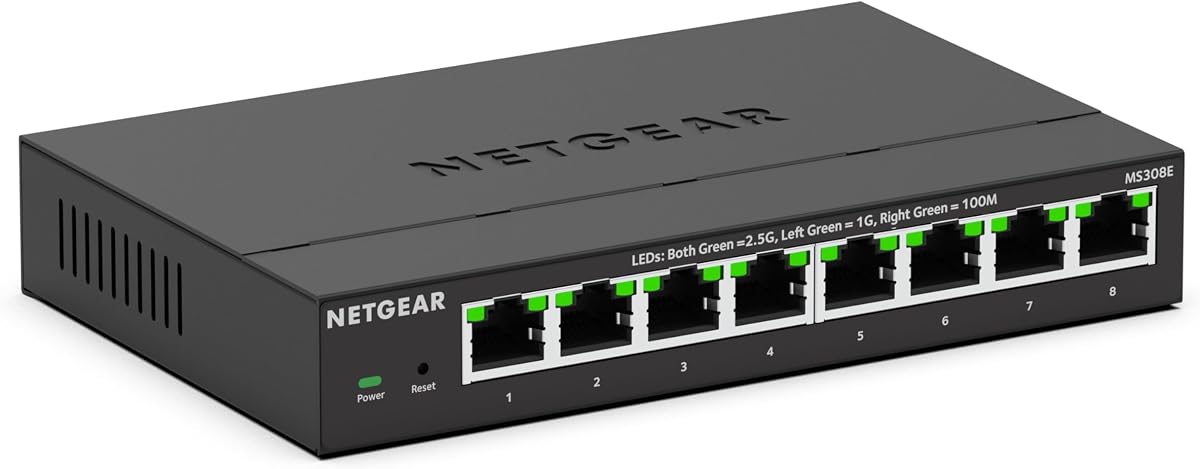



The Amazon eero PoE Gateway stands out as the premier choice for those wanting a unified networking solution. It acts as both a router and a powerful PoE switch with ten ports. This device earns a 4.4 rating for its ability to simplify complex home office setups.
We may earn a commission when you buy through this link, at no additional cost to you.
Its standout quality is the combination of two 10GbE ports and eight 2.5GbE PoE ports. This setup allows you to connect high-speed devices while powering access points directly. The included 140W power supply provides pooled power for up to eight eero PoE 6 access points.
While it is a premium device, the convenience of having a router and switch in one unit is a major trade-off that is acceptable for many. You avoid cable clutter and the cost of separate hardware. The only minor drawback is the reliance on the eero app for some management features.
This product is ideal for users building a robust eero mesh network who need wired backhaul options. If you want to power multiple access points without extra boxes, this gateway is the top recommendation. It future-proofs your network with multi-gigabit speeds.
This gateway delivers 100W of pooled power for PoE devices. It supports 802.3bt class 5 devices for efficient power delivery.
Two 10GbE ports support wired speeds up to 9.4 Gbps. This ensures your main connection is never the bottleneck.
We may earn a commission when you buy through this link, at no additional cost to you.
The TP-Link TL-SG105 is a reliable and affordable option for expanding your wired connections. It features five Gigabit Ethernet ports in a compact metal housing. With a 4.7 rating, it proves that small switches can be very effective for home users.
We may earn a commission when you buy through this link, at no additional cost to you.
Its key strength lies in its simplicity and durability. The fanless metal design ensures it runs silently without overheating. Auto negotiation and Auto MDI/MDIX mean you do not need to worry about crossover cables or complex settings.
The only limitation is the lack of PoE and the small port count. However, for basic expansion where you do not need to power devices, these are acceptable trade-offs. It focuses on providing stable connectivity at a low cost.
This switch is perfect for adding a few extra wired ports to your existing eero setup. If you need to connect a desktop or console without buying a large hub, this is the best value. It fits easily on any desk or shelf.
Innovative energy-efficient technology expands capacity with less power. It helps save money on electricity over time.
The sturdy metal casing supports desktop or wall mounting. It is well-suited for different environments.
We may earn a commission when you buy through this link, at no additional cost to you.
The NETGEAR 8 Port PoE Gigabit Ethernet Switch is a powerful tool for advanced users. It offers eight Gigabit ports with PoE+ capabilities and a 62W budget. Its 4.8 rating reflects its reliability and rich feature set for small businesses or prosumers.
We may earn a commission when you buy through this link, at no additional cost to you.
Key strengths include the ability to manage traffic and prioritize video calls. The Easy Smart interface makes configuring VLANs easy without deep networking knowledge. Uninterrupted PoE ensures your connected devices stay online even during updates.
While it costs more than basic switches, the management tools justify the price for those needing control. The fanless design keeps it quiet in living spaces. These trade-offs are acceptable given the high performance and control.
Buy this if you need to power multiple cameras or access points reliably. It works well alongside eero routers for a hybrid wired wireless setup. It provides professional features in a compact desktop-friendly package.
Includes 8 PoE+ ports with 62W total power budget. It supports uninterrupted PoE and per-port controls.
Prioritize your traffic to guarantee high quality for voice and video. It ensures smooth data transmission.
We may earn a commission when you buy through this link, at no additional cost to you.
This switch delivers 2.5Gbps speeds across all eight ports for fast data transfer. It is perfect for homes with multi-gigabit internet plans. The 4.3 rating shows it is solid for those needing speed upgrades without expensive gear.
We may earn a commission when you buy through this link, at no additional cost to you.
Strengths include the ability to work with existing Cat5e cables in many cases. The Easy Smart interface lets you manage traffic priorities. It is ideal for connecting NAS devices or high-speed workstations.
Lack of PoE is a trade-off but acceptable if you just need speed. The price is higher than basic switches but lower than enterprise gear. It balances performance and ease of use effectively.
Choose this if you need faster wired links than standard Gigabit offers. It pairs well with an eero router that has a multi-gig port. It is a great middle-ground for home offices.
Features 8 x 2.5Gbps Multi-Gig Ethernet ports. It detects optimal speed for connected devices.
Intuitive software offers VLAN and QoS capabilities. It helps manage network security for businesses.
We may earn a commission when you buy through this link, at no additional cost to you.
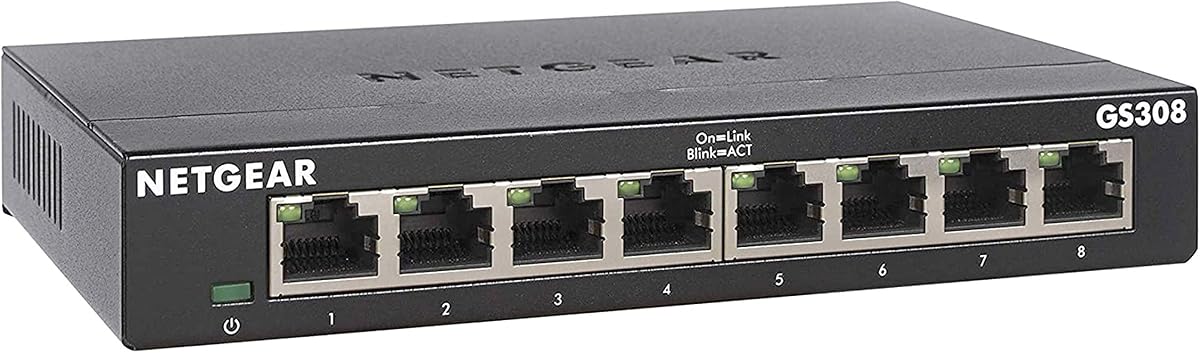
The NETGEAR 8-Port Gigabit Switch is a simple and popular choice for expansion. It provides eight ports with no configuration needed. Its 4.8 rating reflects high customer satisfaction with its ease of use.
We may earn a commission when you buy through this link, at no additional cost to you.
Strengths include the high port count at a reasonable price. The fanless design ensures it runs silently in any room. It is ready to use right out of the box.
The trade-off is the lack of advanced features like PoE. But for standard data, this is acceptable. It focuses on providing basic connectivity reliably.
Buy this if you have many devices that need wired links. It is great for connecting TVs, consoles, and PCs. It works perfectly with any router in your home.
Simple setup with no software to install. It is ready to use instantly.
Compact metal design supports desktop or wall-mount. It is versatile for different spaces.
We may earn a commission when you buy through this link, at no additional cost to you.
This switch offers managed features in a small package. It has five Gigabit ports and is easy to configure. The 4.7 rating shows it is reliable for users who need some control over traffic.
We may earn a commission when you buy through this link, at no additional cost to you.
Its strengths include VLAN support and traffic prioritization. You can ensure your video calls stay smooth. It is better than unmanaged switches for critical connections.
The trade-off is the smaller port count and setup effort. But for a small office, this is acceptable. It balances flexibility and size well.
Choose this if you need to manage network traffic simply. It fits well on a desk without taking much space. It is a good upgrade from basic hubs.
Intuitive interface offers VLAN and QoS capabilities. It helps manage network security effectively.
Compact metal design supports flexible mounting. It suits versatile installation needs.
We may earn a commission when you buy through this link, at no additional cost to you.
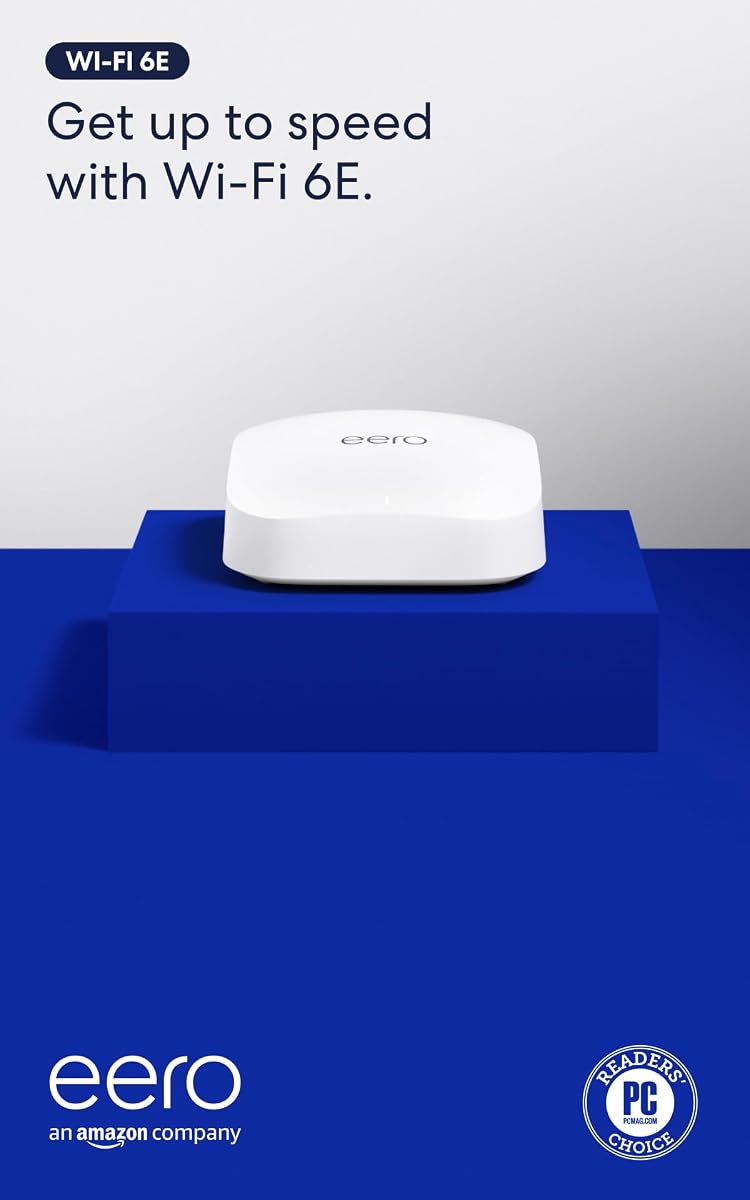
The eero Pro 6E is a top router that offers wired connections. It has a 2.5GbE port for fast wired speeds. Its 4.3 rating highlights its wireless performance and device support.
We may earn a commission when you buy through this link, at no additional cost to you.
Strengths include Wi-Fi 6E access and large coverage area. It supports many connected devices without slowing down. The app makes setup easy for everyone.
The trade-off is it is a router not a multi-port switch. But it acts as a gateway for wired needs. It is great for those replacing old routers.
Buy this to upgrade your wireless and have a wired port. It works with switches to expand connectivity. It is a key part of the eero system.
Supports wired speeds up to 1 Gigabit on port. It enables gigabit+ internet plans.
Intelligently routes traffic to reduce drop-offs. It helps ensure reliable coverage.
We may earn a commission when you buy through this link, at no additional cost to you.
The eero 6 offers great value for modern Wi-Fi. It covers up to 1500 sq ft with ease. The 4.4 rating confirms it is reliable for everyday use.
We may earn a commission when you buy through this link, at no additional cost to you.
Strengths include the built-in ZigBee hub which simplifies smart home setup. It supports multiple devices and runs quietly. The app provides easy management from anywhere.
The trade-off is fewer wired ports than a dedicated switch. But it is a great hub for your network. It is acceptable for homes that need Wi-Fi first.
Choose this if you want a simple mesh upgrade. It connects well with wired switches for full coverage. It is a favorite for many eero users.
Built-in ZigBee smart home hub connects devices. It removes need for separate hubs.
Covers up to 1500 sq ft with Wi-Fi. It reduces dead spots effectively.
We may earn a commission when you buy through this link, at no additional cost to you.
This access point delivers next-gen Wi-Fi 7 speeds. It features a 10GbE port for fast wired backhaul. The 4.1 rating reflects its advanced capabilities and high cost.
We may earn a commission when you buy through this link, at no additional cost to you.
Strengths include tri-band Wi-Fi and support for hundreds of devices. It ensures steady performance without drops. The TrueChannel software keeps your connection clean.
The trade-off is needing a compatible PoE switch. But it is future-proof for high-speed needs. It is acceptable for tech enthusiasts.
Buy this if you want the fastest wireless possible. It works best with a high-end eero PoE gateway. It is the top choice for premium networks.
Delivers up to 9.4 Gbps wired throughput. It has a 10GbE PoE+ port.
Supports 200+ connected devices with ease. It ensures no shortages of Wi-Fi 7.
We may earn a commission when you buy through this link, at no additional cost to you.
The eero 7 brings Wi-Fi 7 to more homes affordably. It has two 2.5GbE ports for wired flexibility. The 4.4 rating shows strong user satisfaction with its performance.
We may earn a commission when you buy through this link, at no additional cost to you.
Strengths include future-proofing with Wi-Fi 7 and good coverage. It supports over 100 devices and runs smoothly. It integrates seamlessly with older eero nodes.
The trade-off is still needing a switch for more ports. But it is great for primary routing. It is acceptable for those wanting latest tech.
Choose this to modernize your network with Wi-Fi 7. It works well with eero PoE switches. It is the best value for next-gen Wi-Fi.
Supports internet plans up to 2.5 Gbps. It has two auto-sensing 2.5GbE ports.
Delivers Multi-Link Operation for better performance. It builds on exclusive Wi-Fi 7 features.
We may earn a commission when you buy through this link, at no additional cost to you.
Selecting the right switch depends on your specific needs like port count, speed, and power requirements. This section breaks down the key factors to consider.
First determine how many wired devices you need to connect. If you have more than four devices a 5 or 8 port switch is ideal. The eero PoE Gateway offers ten ports for the most extensive setups.
For most homes a 5 to 8 port switch is sufficient. If you need more you may require multiple switches.
PoE switches provide power to devices like access points. This is crucial if you use eero PoE access points. If you do not need power over cable a non-PoE switch is cheaper.
Choose PoE if you plan to power access points directly. Otherwise a standard switch works well.
Consider the speed of your internet plan. If you have multi-gigabit internet look for 2.5GbE or 10GbE ports. Standard Gigabit ports are fine for plans under 1 Gbps.
Ensure your switch matches your internet speed to avoid bottlenecks. Higher speeds cost more but future-proof your network.
Unmanaged switches are plug and play and easy to use. Managed switches let you prioritize traffic and set up VLANs. For home use unmanaged is usually enough unless you need traffic control.
Managed features help with business needs. For home a simple switch is often best.
Consider where you will place the switch. Some have wall mounting options while others are desktop only. Metal designs stay cooler and last longer than plastic ones.
A fanless design ensures silent operation. Choose a size that fits your space comfortably.
If you use eero devices a gateway may integrate better. It reduces the need for extra hardware. However standard switches work with any router.
Check compatibility with your current setup. Eero branded gear offers seamless integration.
Switches range from very affordable to premium. Basic models cost little while PoE switches cost more. Decide how much you can spend based on needs.
You do not need the most expensive option. Choose what fits your budget and goals.
Look for products with a good warranty. Many offer three years of support. This ensures you are covered if issues arise.
Strong support adds value to your purchase. Check manufacturer support options before buying.
To set up your switch connect it to your modem or router using an Ethernet cable. Then connect your devices to the switch ports. The switch will auto-detect speeds and settings.
Place the switch in a well-ventilated area to avoid overheating. If it has a fan ensure it is not blocked. Keep cables organized to maintain airflow.
Regularly check for firmware updates for managed switches. These updates improve security and performance. For unmanaged switches no updates are needed.
Yes if you are using eero PoE access points. They require power over Ethernet. A standard switch cannot power them directly. The eero PoE Gateway handles this automatically.
Unmanaged switches work automatically without setup. Managed switches let you control traffic and security. For most homes unmanaged is enough.
For most homes a 5 to 8 port switch is ideal. It covers enough devices for daily use. You can add more if needed.
Yes most eero routers have Ethernet ports. You can connect a switch to expand wired ports. It works with most models.
Switches let you connect multiple devices via cable. This improves speed and reliability. It reduces Wi-Fi congestion.
Yes it acts as both a gateway and a switch. You can use it as your main router. It simplifies your network setup.
Connect the gateway to your modem using an Ethernet cable. Then connect your access points to the PoE ports. Use the eero app for setup.
The eero PoE Gateway offers the most complete solution for integrated networks. It simplifies setup with ten ports and built-in PoE power. The TP-Link TL-SG105 is the best budget option for simple needs.
Prioritize speed and power needs before buying. If you want multi-gigabit speeds look at 2.5G or 10GbE switches. For power you need a PoE compatible device.
Prices change so check current listings before purchasing. Each option offers unique benefits for different setups. Choose the one that fits your needs best.