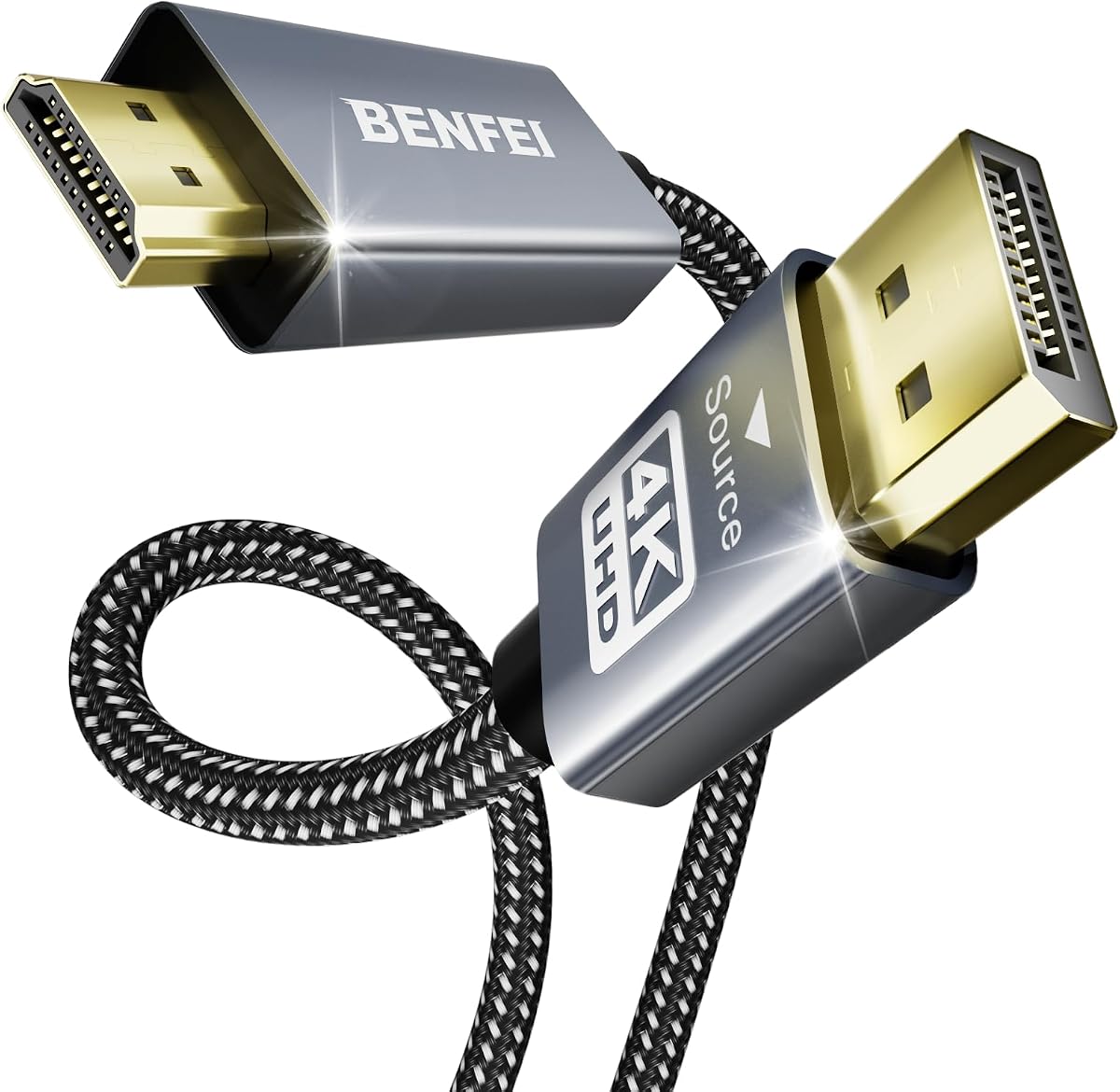
BENFEI 4K DisplayPort to HDMI 6 Feet Cable
4.5Editor score
6 feet nylon braided length
Supports 4K at 30Hz
Gold plated connectors for stability
This guide compares the top Displayport to HDMI Cable options for resolution, durability, and audio support to help you choose the right connection for your
Finding the right Displayport to HDMI Cable ensures your computer connects seamlessly to monitors, TVs, or projectors for crisp visuals and synchronized audio every time.
We evaluated ten top rated models based on build quality, signal stability, resolution support, and value to bring you a trusted list for professional and home use.
Each pick highlights key features, real world performance, and ideal use cases while noting that prices and stock change frequently on major online retailers today.
4.5Editor score

4.7Editor score

4.8Editor score
Here is a side by side comparison of all ten selected Displayport to HDMI cables showing their key specifications and what makes each one unique for different setups.


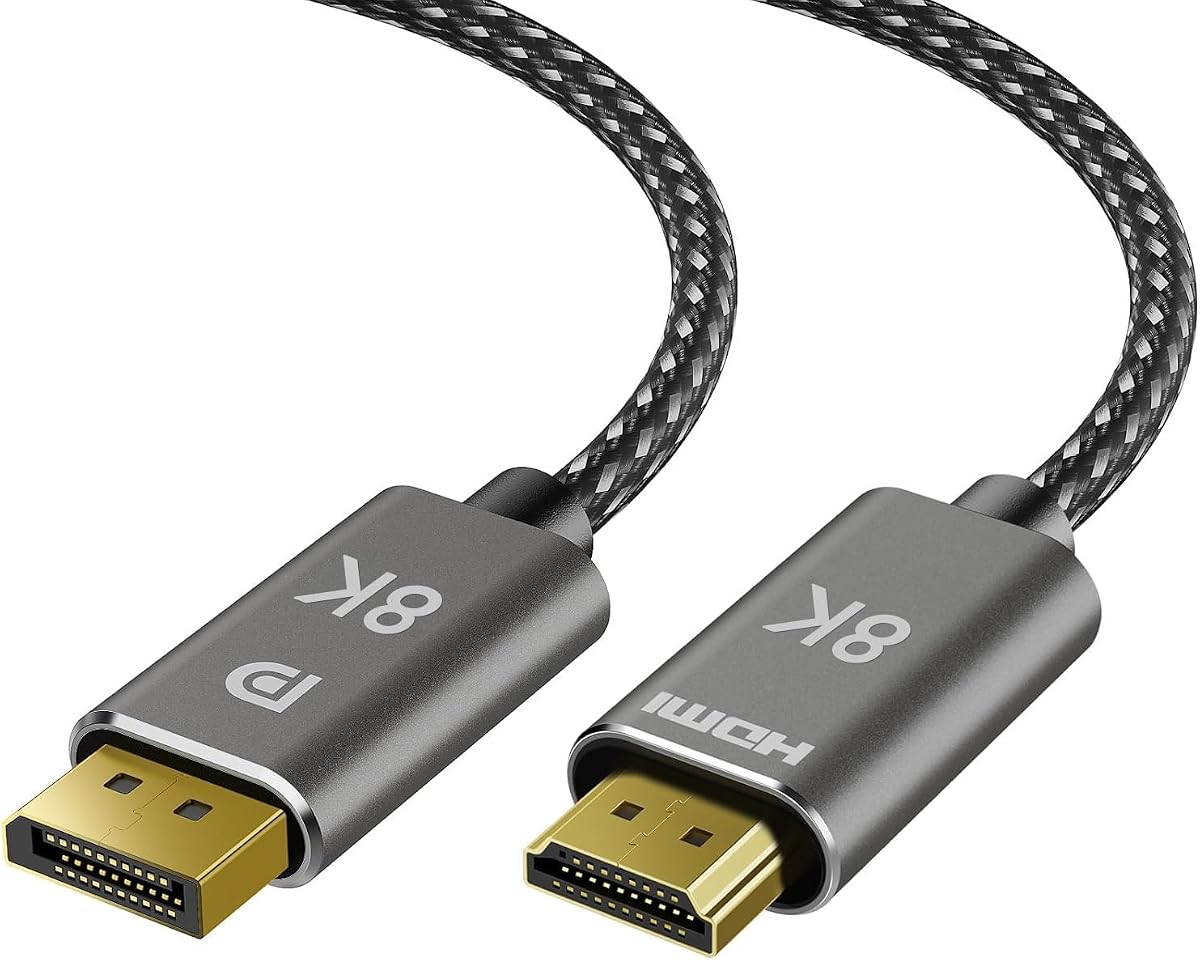

The UGREEN 4K DisplayPort to HDMI Cable stands out with its support for 1080P at 120Hz making it ideal for gaming on compatible monitors.
We may earn a commission when you buy through this link, at no additional cost to you.
It utilizes DP 1.2 technology to ensure stable audio and video transmission up to 240Hz for smooth performance without screen flicker.
While it does not support 8K resolutions its solid build quality and affordable price make it a strong choice for most users today.
Buyers seeking high refresh rates for gaming or crisp 4K viewing will find this cable delivers reliable performance across various DisplayPort sources.
This cable enables 1080P at 120Hz which is perfect for gaming setups that prioritize smooth motion over ultra high resolution.
Constructed with 32AWG tinned copper and double shielding it resists EMI while the nylon braided jacket adds long term durability.
We may earn a commission when you buy through this link, at no additional cost to you.
The UGREEN 8K@60Hz Active Display Port to HDMI is the top premium pick offering support for 8K at 60Hz and 4K at 240Hz.
We may earn a commission when you buy through this link, at no additional cost to you.
It uses an active DP 1.4 to HDMI 2.1 design ensuring stable transmission up to 32.4 Gbps for high resolution and refresh rates.
This cable is ideal for users with powerful GPUs who need maximum resolution for future monitors and TVs with HDMI 2.1 features.
Its robust aluminum case and heat dissipation design make it suitable for demanding professional or gaming environments requiring top tier performance.
Supports HDMI 2.1 features like HDR and DSC1.2a for vivid images which sets it apart from standard passive cables in the market.
The active chip design ensures a stable signal even at high resolutions reducing screen flicker and ensuring reliable audio synchronization.
We may earn a commission when you buy through this link, at no additional cost to you.
The BENFEI 4K DisplayPort to HDMI 6 Feet Cable is the best budget option offering solid 4K performance at 30Hz for everyday viewing.
We may earn a commission when you buy through this link, at no additional cost to you.
It uses an advanced IC chip for stable signal conversion while the nylon braided layer provides durability against wear and tear.
Gold plated connectors resist corrosion and the 18 month warranty ensures peace of mind for buyers looking for reliable value.
This cable is perfect for home offices or classrooms where cost effective reliable connectivity is more important than high refresh rates.
Delivers essential 4K capabilities without premium costs making it an excellent choice for standard productivity and streaming needs.
Built with better chip solutions and professional shielding ensures accurate data streaming without interference for daily office tasks.
We may earn a commission when you buy through this link, at no additional cost to you.
The Highwings 4K DisplayPort to HDMI delivers synchronized high definition audio and video ideal for office presentations and streaming.
We may earn a commission when you buy through this link, at no additional cost to you.
It supports 4K at 30Hz with backward compatibility for 1440P and 1080P Full HD ensuring broad compatibility with various setups.
The 24K gold plated connectors and multi-layer shielding minimize interference while the nylon braided wire enhances durability over time.
Office users who need reliable connectivity from PCs or laptops to monitors will find this cable provides the stability they require daily.
Perfect for graphics cards and laptops from major brands ensuring vibrant realistic resolution and smooth visuals for productivity tasks.
Features a 20000 plus bend lifespan and strong build quality ensuring the cable withstands regular movement and daily office wear.
We may earn a commission when you buy through this link, at no additional cost to you.
The Warrky 4K DisplayPort to HDMI Cable features an unmatched slim aluminum alloy shell that offers exceptional corrosion resistance and style.
We may earn a commission when you buy through this link, at no additional cost to you.
It provides breathtaking 4K UHD resolution at smooth 30Hz with backward compatibility for lower resolutions ensuring broad desktop and laptop use.
The sturdy nylon braided jacket withstands over 16000 bends while five-layer shielding ensures pristine signal transmission without interference.
This cable is excellent for users who want a sleek durable design combined with reliable 4K performance for home or office setups.
The one-piece aluminum alloy shell offers exceptional corrosion resistance ensuring a sleek modern look that lasts in any environment.
Crafted with a sturdy nylon braided jacket it withstands the test of time handling over 16000 bends without compromising performance.
We may earn a commission when you buy through this link, at no additional cost to you.
The JSAUX DisplayPort to HDMI Cable offers a generous 10 feet length giving you flexibility for meeting rooms and home offices.
We may earn a commission when you buy through this link, at no additional cost to you.
It supports clear video at 4K at 30Hz helping deliver sharp visuals for office work and presentations across various display setups.
Built with a durable nylon exterior this cable ensures reliable connections for daily use in entertainment spaces and common DP to HDMI setups.
Users needing extra reach without signal loss will appreciate this longer design that remains stable and reliable for standard resolution needs.
The 10 feet length provides more flexibility for desk setups and large rooms ensuring you can place your display where you need it.
Built with durable nylon for daily use it helps provide a reliable and tidy connection experience for everyday work environments.
We may earn a commission when you buy through this link, at no additional cost to you.
The Amazon Basics DisplayPort to HDMI Cable provides reliable performance with foil and braid shielding for high picture quality and sound.
We may earn a commission when you buy through this link, at no additional cost to you.
It supports uncompressed digital audio channels and video resolutions up to 1920×1200 and 1080p Full HD for standard display needs.
With bare copper conductors and gold plated connectors this cable ensures pure sound and clear visuals for movies and presentations.
For users who want a simple trusted solution from Amazon Basics this cable delivers consistent results for everyday home theater or office use.
Gold plated connectors and bare copper conductors ensure high picture quality and pure sound for movies on big screens.
This passive cable connects computers to displays efficiently and does not support HDMI source devices like consoles.
We may earn a commission when you buy through this link, at no additional cost to you.
The Cable Matters 2-Pack DisplayPort to HDMI Cable offers a convenient way to equip multiple desks or rooms with reliable connections.
We may earn a commission when you buy through this link, at no additional cost to you.
It transmits high definition audio and video from your computer to HDMI displays for smooth streaming gaming or presentations easily.
Gold plated connectors and foil and braid shielding combine to reduce interference and ensure stable reliable connectivity for any use.
Buyers needing multiple cables for offices or classrooms will appreciate this two-pack that provides consistent performance and secure latched connections.
The DisplayPort connector with latches ensures a secure connection that prevents accidental disconnection for safe stable links.
Perfect for equipping multiple desks or rooms with reliable connections without buying separate cables at higher total cost.
We may earn a commission when you buy through this link, at no additional cost to you.
This 8K DisplayPort to HDMI Cable utilizes cutting edge video technology to bring 8K at 60Hz and 4K at 240Hz to your setup.
We may earn a commission when you buy through this link, at no additional cost to you.
It supports HDR and Dolby Atmos while offering immersive audio visuals and vibrant colors for ultra high resolution entertainment experiences.
The braided jacket and molded strain relief ensure longevity while the secure latch maintains a stable connection during daily use.
Gamers and enthusiasts looking for high refresh rates will find this cable supports smooth lag free performance with the right GPU drivers.
Ideal for 240Hz 4K TVs and 144Hz gaming monitors ensuring smooth lag free performance for competitive and casual gamers alike.
Experience surround sound and HDR with this cable bringing the latest HDMI advancements to your setup for vivid visuals.
We may earn a commission when you buy through this link, at no additional cost to you.
The Cable Matters 8K Unidirectional DisplayPort to HDMI 2.1 Cable harnesses 4K 240Hz and 8K 60Hz capabilities for advanced setups.
We may earn a commission when you buy through this link, at no additional cost to you.
It supports HDMI 2.1 features like HDR and Dolby Atmos ensuring immersive audio visuals and vibrant colors for next gen displays.
Compatible with popular HDMI 2.1 displays and modern GPUs this cable delivers up to 4K at 240Hz performance on supported monitors.
Users with powerful systems will appreciate the broad monitor compatibility and premium build that maintains stable long-term connections daily.
Supports HDMI 2.1 features like HDR and Dolby Atmos ensuring immersive audio visuals for next gen displays.
Supports popular HDMI 2.1 displays including Dell Alienware and Samsung ensuring compatibility with latest high performance monitors.
We may earn a commission when you buy through this link, at no additional cost to you.
Choosing the right Displayport to HDMI cable involves understanding resolution support, directionality, build quality, and connectivity features to match your specific hardware needs.
The most critical factor when selecting a Displayport to HDMI cable is ensuring it supports the resolution and refresh rate you need for your display. Most standard cables handle 4K at 30Hz which is suitable for office work and movie watching. However if you want smoother motion for gaming you need a cable that supports 1080P at 120Hz or even 4K at 120Hz. Always check your monitor and graphics card specifications to ensure the cable can handle the desired output.
Choose a cable that matches your display capabilities to avoid screen flickering or limited refresh rates.
It is vital to verify that the cable is unidirectional from Displayport to HDMI since these cables are designed to connect a computer to a display not vice versa. If you try to connect an HDMI source like a game console to a Displayport monitor this cable will not work. Always confirm that your source device has a Displayport output and your display has an HDMI input before purchasing to prevent compatibility issues.
Ensure your setup is Displayport source to HDMI display to avoid incorrect connections.
Look for cables with nylon braided jackets and gold plated connectors as they provide resistance to wear corrosion and interference. Aluminum alloy shells add strength and help dissipate heat which can be important when handling high resolution signals. A cable with a high bend lifespan will last longer especially if you frequently move or adjust your setup.
Invest in cables with strong materials to ensure long-term reliability and signal integrity.
Advanced cables often use active chips or support specific standards like DP 1.4 to HDMI 2.1 for better performance and higher data rates. Active cables allow for higher resolutions like 8K while passive ones may be limited to 4K at 30Hz. Check if your GPU supports the required technology and if firmware updates might be needed for optimal resolution.
Select active cables for higher resolutions and passive ones for standard usage needs.
The physical length of the cable matters for your desk or room setup as longer cables provide flexibility but can sometimes signal stability if not well shielded. Six feet is standard for most desktops while ten feet is better for larger rooms or meetings. Ensure the chosen length reaches your display comfortably without excess slack that could cause clutter.
Choose a length that fits your physical space while maintaining signal quality.
Proper shielding such as foil and braid shields protects the signal from electromagnetic interference which can cause screen flickering or audio dropouts. Multi-layer shielding is especially important for high bandwidth signals like 4K or 8K. This ensures a stable and clean transmission for consistent performance during use.
Prioritize cables with multiple shielding layers for reliable signal transmission.
A good Displayport to HDMI cable should support uncompressed digital audio channels like 7.1 surround sound to ensure audio stays synchronized with video. Look for features that mention audio sync support to avoid issues like lip sync errors during movies or streaming. This is essential for an immersive home theater experience.
Verify audio channel support to ensure seamless video and audio synchronization.
Finally consider the warranty and customer support offered by the manufacturer as this reflects their confidence in the product quality. Many brands offer warranties ranging from 18 months to a lifetime which can protect your investment against defects or failures. Responsive support can also help resolve any setup issues quickly.
Check the warranty terms to ensure long-term protection for your purchase.
To use your Displayport to HDMI cable connect the Displayport end to your computer or graphics card and the HDMI end to your monitor or TV ensuring the ports align correctly.
Once connected power on your devices and set your computer output to display the external monitor either by mirroring or extending the screen in your system settings.
To care for the cable avoid bending it sharply near the connectors and store it loosely coiled when not in use to preserve its internal structure and shielding.
No a Displayport to HDMI cable is unidirectional and works only from a Displayport source to an HDMI display. Gaming consoles like PlayStation output HDMI signals so you need an HDMI to Displayport converter adapter instead.
Screen flickering can occur if the cable does not support the desired refresh rate or resolution. Ensure the cable supports your monitor's settings and check that the Displayport end is securely connected to the source.
Most Displayport to HDMI cables are plug and play and do not require drivers. However some high resolution 8K models may need driver updates on your graphics card to optimize the connection.
Passive cables rely on Displayport++ signals to convert to HDMI while active cables use a chip to convert the signal. Active cables are necessary for higher resolutions like 8K or higher refresh rates.
Yes but you must ensure the cable supports the refresh rate of your monitor. Look for 1080P at 120Hz or higher for smooth gaming performance as standard 4K at 30Hz may feel laggy.
Inspect the connectors for physical damage and check for signal loss by testing with a different device. If the screen shows no signal even with correct settings the cable may be internally damaged.
MacBooks do not have Displayport outputs so you cannot use a Displayport to HDMI cable directly. You will need an HDMI adapter or a Thunderbolt to HDMI cable for your MacBook.
In summary the UGREEN 4K DisplayPort to HDMI and UGREEN 8K Active cables lead the list for most users due to their balance of performance and durability.
When choosing prioritize resolution support and build quality to ensure your setup remains stable and ready for future upgrades or high refresh rate needs.
Remember to check current prices and availability on Amazon as these values can change frequently and you may find better deals for the same quality today.