
Full Motion TV Wall Mount for 26-74 inch TVs by Perlegear
4.8Editor score
Tool-free tilt adjustment included
Pre-assembled bracket arms save time
Supports up to 99 lbs weight
Choosing the right adjustable TV wall mount transforms your viewing experience by allowing optimal screen positioning. Whether you need full motion flexibility or a sleek low-profile tilt, the ideal mount enhances comfort and room aesthetics.
We analyzed ten leading models based on weight capacity, VESA compatibility, and build quality. Our comparison covers full motion articulating arms, corner-specific brackets, and budget-friendly tilting options for various setups.
Each pick highlights key strengths and potential limitations to guide your decision. Prices and availability change frequently so verify current listings before purchasing to ensure you get the best value for your needs.
4.8Editor score

4.7Editor score

4.8Editor score
As an Amazon Associate we earn from qualifying purchases.
This side-by-side comparison reviews all ten adjustable TV wall mounts to highlight key differences in size compatibility, motion capabilities, and load ratings for informed selection.


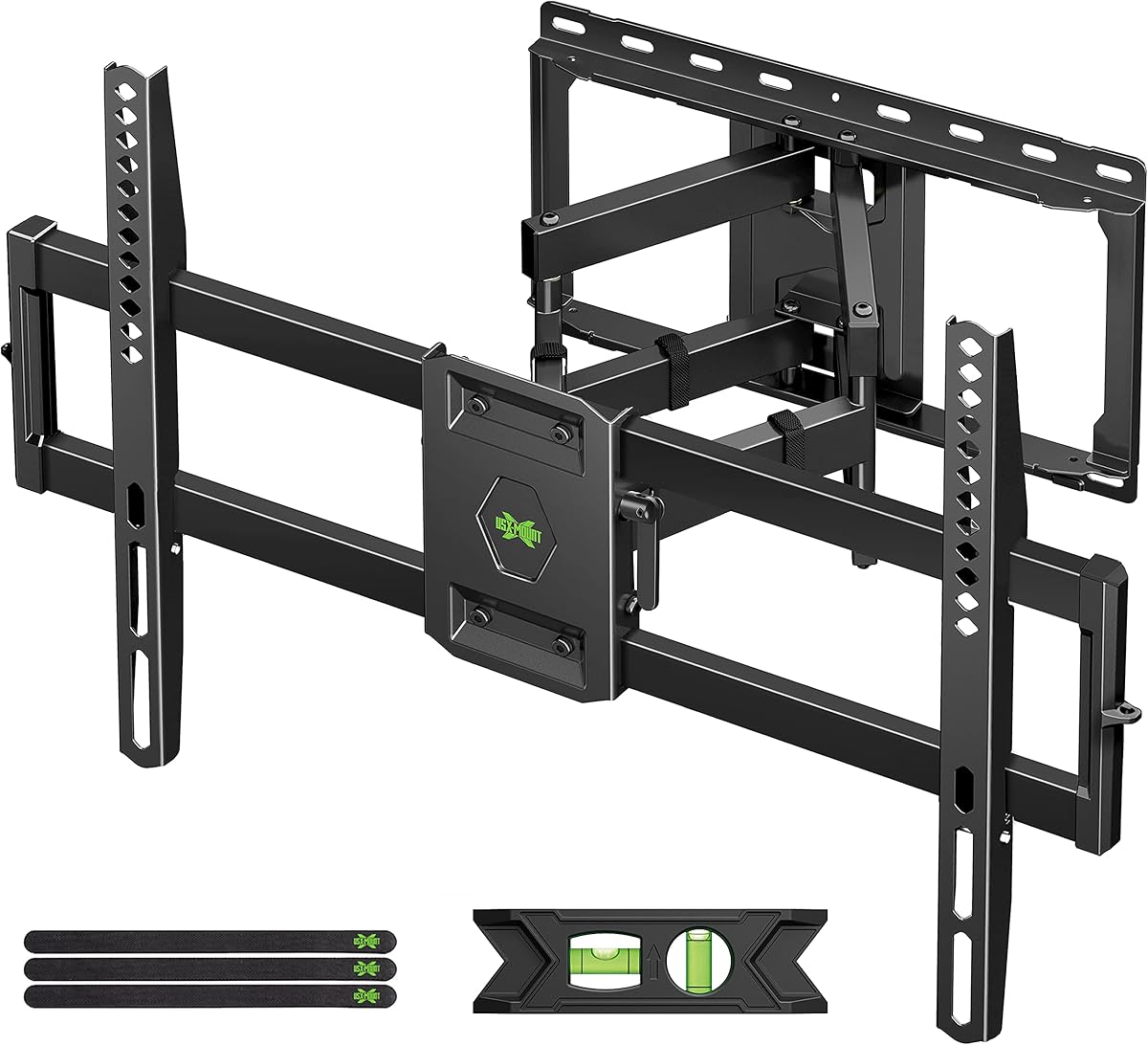


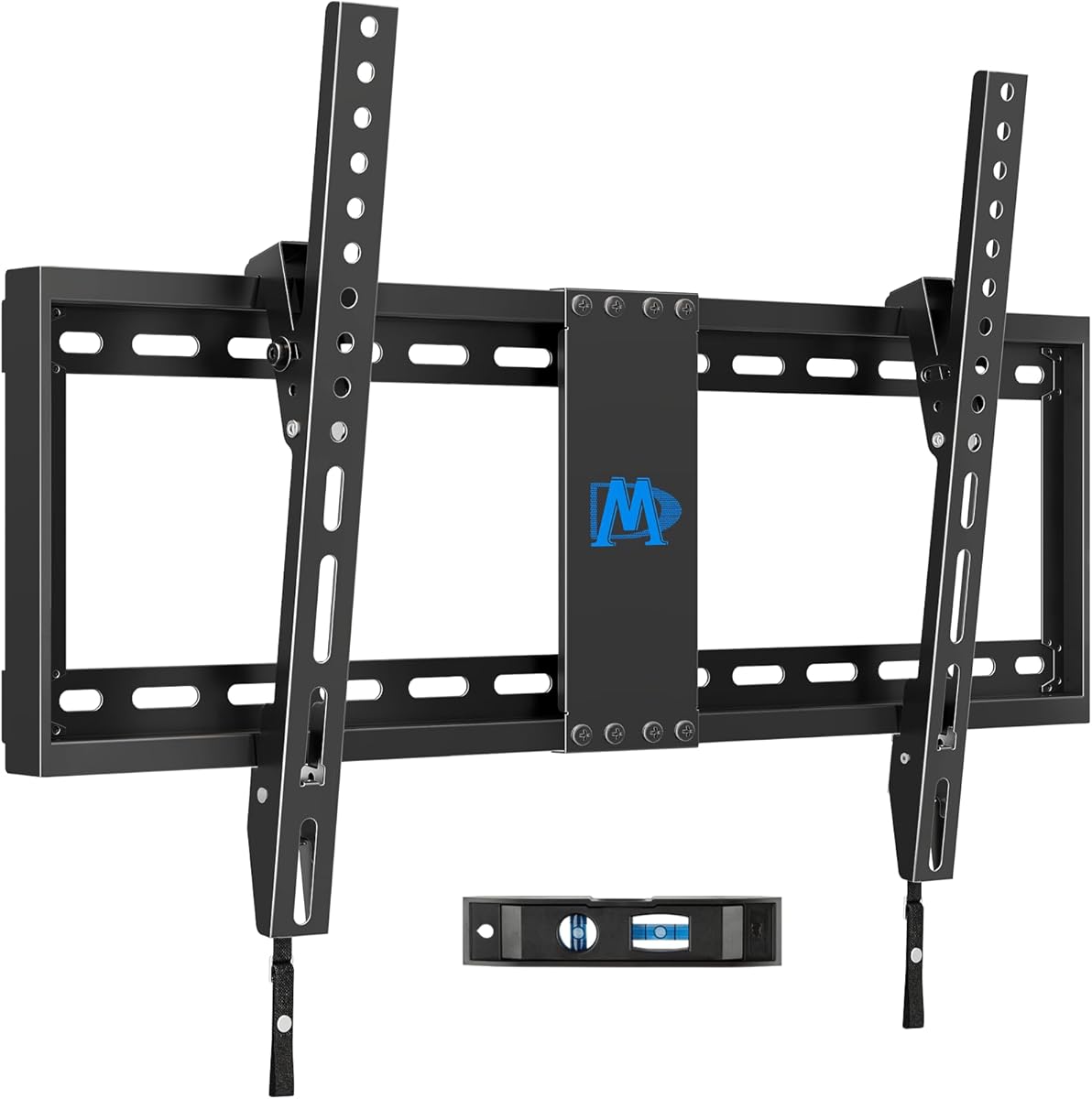
This USX MOUNT full motion bracket earns top marks for supporting TVs from 37 to 84 inches with a robust 120 lb capacity. Its dual articulating arms deliver wide viewing angles ideal for living rooms or offices.
We may earn a commission when you buy through this link, at no additional cost to you.
The mount extends 15.16 inches and retracts to 2.74 inches saving space when not in use. Swivel and tilt features let you direct screens to reduce glare and optimize comfort based on seating.
Installation includes a bubble level and pre-labeled hardware bags though concrete anchors must be requested separately. Post-installation adjustment helps fine tune levels after mounting ensuring precise alignment on walls.
Buy this if you need heavy duty support for large flat screens with extensive motion options. Its sturdy steel construction ensures safety while versatile positioning enhances daily viewing satisfaction.
With 120 lbs capacity this bracket securely holds massive TVs from brands like Samsung and Sony providing peace of mind.
The ability to pull out nearly 16 inches allows easy access to ports while retracting low saves space for furniture.
We may earn a commission when you buy through this link, at no additional cost to you.
Perlegear PGMF21 offers exceptional value with tool-free tilt and pre-assembled brackets making installation straightforward for beginners. Its support for 26 to 74 inch TVs covers most household screens at a low price point.
We may earn a commission when you buy through this link, at no additional cost to you.
The mount extends 17.3 inches providing ample reach for viewing from side seats. Automotive-grade steel construction passes rigorous load tests ensuring reliability and safety for daily use in homes.
Three height settings allow positioning without remounting which accommodates soundbars or decor changes. Swivel range adapts to room layouts while leveling adjustment fine tunes alignment post-installation.
Choose this budget option for reliable performance without spending extra. Its ease of use and solid build quality make it a standout for standard wall setups.
Adjusting screen angle requires no tools allowing quick glare reduction without detaching the TV or using wrenches.
Three mounting positions help tailor eye level for comfort without needing to drill new holes or move the mount.
We may earn a commission when you buy through this link, at no additional cost to you.
ECHOGEAR MaxMotion stands out as a premium choice with UL listing and wide VESA compatibility for screens up to 90 inches. Its heavy-duty steel frame supports up to 125 lbs ensuring stability for high-end displays.
We may earn a commission when you buy through this link, at no additional cost to you.
The mount extends 22 inches away from the wall which is useful for cleaning or accessing ports. Swivel angles reach 130 degrees enabling flexible viewing across the room without distortion.
Installation comes with a drilling template and hardware kit simplifying setup. Post-installation leveling ensures a straight picture while support is available from product experts for questions.
Invest in this model for ultimate reliability and motion range. It suits larger spaces requiring extensive adjustability and proven safety standards for peace of mind.
UL certification confirms rigorous testing ensuring the mount meets strict safety standards for holding heavy TVs securely.
Twenty-two inch extension allows access to back panel ports without detaching cables or risking accidental drops.
We may earn a commission when you buy through this link, at no additional cost to you.
This Amazon Basics mount fits small to medium TVs up to 55 inches and requires only a single stud which simplifies placement. Its budget-friendly price makes it accessible for basic viewing needs.
We may earn a commission when you buy through this link, at no additional cost to you.
With 180 degree swivel you can rotate the screen fully for different seating arrangements. Tilt range reduces glare while the low profile design keeps the setup neat on walls.
Installation includes a bubble level and template for straightforward alignment. The unit works on concrete or wood studs though drywall alone is not recommended for safety.
Select this for simple setups where maximum flexibility is not critical. Its compact design and easy installation suit bedrooms or small apartments well.
Mounting on one stud provides greater freedom of placement especially where wall studs are uneven or limited.
The 180 degree swivel enables directing the screen away from the wall without detaching it.
We may earn a commission when you buy through this link, at no additional cost to you.
Mounting Dream MD2268 delivers the highest load capacity at 154 lbs supporting even the heaviest large screen TVs. Its robust cold-formed steel design ensures durability and safety for long term use.
We may earn a commission when you buy through this link, at no additional cost to you.
The bracket extends 16.6 inches and retracts 2.5 inches offering practical reach while keeping a low profile. Tilt and swivel features optimize viewing angles across seating areas.
Installation includes clear instructions and pre-labeled bags which speed up setup. Post-installation leveling helps correct alignment issues without redoing the whole mount on the wall.
Choose this if your TV is heavy or very large. Its strong build and clear instructions provide confidence for securing expensive screens effectively.
Supporting 154 lbs allows mounting of heavier OLED or QLED panels without worrying about bracket strain.
Cold-formed steel offers rigidity and resistance to bending ensuring stability over years of use.
We may earn a commission when you buy through this link, at no additional cost to you.
Perlegear Corner TV Mount targets corner rooms with an extended arm that reaches 32.37 inches providing ample viewing space from seating. UL listing ensures the bracket meets high safety standards for secure mounting.
We may earn a commission when you buy through this link, at no additional cost to you.
Swivel range allows the screen to face into the room from corners while tilt reduces glare. Tool-free operation enables quick adjustments without tools which is convenient for frequent viewing changes.
Installation works on brick concrete or wood studs and includes hardware for setup. The long arm makes use of otherwise wasted space in corners improving room layout efficiency.
Buy this for corner setups where standard mounts fail to reach viewing positions. Its design balances reach with stability for optimal corner viewing comfort.
Over 32 inch extension pulls TVs out of corners into clear sight lines for better angles.
UL listing provides trust that the bracket withstands motion stress in corner orientations safely.
We may earn a commission when you buy through this link, at no additional cost to you.
This USX Mount bracket fits TVs up to 90 inches with 132 lbs capacity supporting larger heavy screens safely. It extends 16.49 inches and retracts to 2.40 inches for practical placement in rooms.
We may earn a commission when you buy through this link, at no additional cost to you.
Swivel and tilt adjust angles for optimal comfort while leveling knobs fine tune alignment after mounting. Pre-labeled bags organize hardware for efficient setup without missing components.
Supports wood studs up to 16 inches and works on concrete walls too. Installation instructions guide users step by step ensuring secure attachment without guesswork.
Choose this for larger screens needing solid support with flexible angles. Its load capacity and adjustment features suit varied viewing preferences effectively.
132 lbs capacity ensures even large 80 inch or 90 inch TVs remain stable without sagging.
Sixteen inch extension allows easy cable access while keeping wall clearance minimal when not in use.
We may earn a commission when you buy through this link, at no additional cost to you.
Pipishell offers a single stud design with arms 33 percent thicker than typical mounts enhancing durability. It suits TVs up to 65 inches making it ideal for medium rooms without needing dual stud space.
We may earn a commission when you buy through this link, at no additional cost to you.
Swivel and tilt features reduce glare while the 17 inch extension allows flexible positioning. Security screws and a durable faceplate provide confidence in secure mounting for daily use.
Installation includes all hardware and instructions for quick setup. The low profile retraction keeps the mount close to the wall when not extended saving space.
Select this for single stud situations needing extra strength. Its robust arms and affordable price make it a reliable choice for standard setups.
Thicker arms provide added strength ensuring stability without requiring dual stud support on walls.
Perfect for corners or tight spaces where locating two studs is difficult or impractical.
We may earn a commission when you buy through this link, at no additional cost to you.
This USX MOUNT bracket features a perfect center design helping align TVs straight on walls. UL listing assures safety while it supports screens up to 65 inches with up to 77 lbs capacity.
We may earn a commission when you buy through this link, at no additional cost to you.
Swivel and tilt adjust viewing angles easily with post-installation leveling for precise alignment. The included hardware kit has all screws and spacers for versatile mounting configurations.
Installation works on wood studs or solid concrete walls though drywall alone is not allowed. Pre-labeled bags organize parts for efficient setup steps.
Buy this for balanced design and safety assurance. Its alignment features ensure a professional finish and stable mount.
Centered brackets help ensure the TV hangs straight without tilting due to uneven mounting points.
UL listing confirms the mount meets rigorous standards for secure TV attachment on walls.
We may earn a commission when you buy through this link, at no additional cost to you.
This tilting mount offers a low profile design with only 1.5 inch clearance keeping screens close to walls. It handles up to 132 lbs and supports TVs up to 90 inches for big screens.
We may earn a commission when you buy through this link, at no additional cost to you.
Tilt reduces glare while avoiding full motion complexity. Three-step installation simplifies setup while a bubble level ensures alignment without specialized tools or expertise.
Best for viewers prioritizing a clean look without needing to swivel the screen. Concrete anchors may be needed depending on wall type for secure mounting.
Choose this for a sleek minimalist appearance with strong support. It suits rooms where screen distance from walls is minimal and tilt is sufficient.
Minimal distance from wall creates a sleek look saving space in tighter room layouts.
Eight degree tilt helps minimize reflection from lights or windows for clearer viewing.
We may earn a commission when you buy through this link, at no additional cost to you.
Selecting the right mount requires matching your TV size weight and room layout to bracket specifications for optimal performance and safety.
Check your TV's VESA pattern which lists mounting hole spacing in millimeters. Ensure the bracket supports your exact pattern range and screen size for secure fit.
Match bracket size and hole spacing to your TV for proper installation.
Choose a mount with weight capacity higher than your TV. Heavier steel brackets resist sagging and ensure safety especially for large displays.
Verify weight limit exceeds TV weight for reliable support.
Decide between full motion swivel tilt or fixed designs. Motion affects viewing angles and space requirements which suits different rooms.
Select motion type based on seating positions and space needs.
Identify if your walls have wood studs or concrete. Some mounts require dual studs while others work with single studs for flexibility.
Confirm wall type matches bracket stud requirements before mounting.
Look for models with pre-labeled parts templates and bubble levels to simplify setup. Included hardware can save time and extra costs.
Check for included templates and hardware to ease installation.
Prefer UL listed or safety rated brackets for peace of mind. Warranty policies protect against defects and support long term use.
Check for safety ratings and warranty coverage for assurance.
Ensure the wall surface is solid and studs are accurately located before drilling. Use a bubble level to align brackets horizontally preventing tilt over time.
Regularly inspect mounting screws and brackets for looseness or signs of wear. Tighten hardware as needed to maintain secure attachment and safety.
Clean the mount with a soft dry cloth avoiding chemicals that may corrode steel parts. Avoid placing heavy objects on extended arms that could bend the structure.
Most adjustable mounts require wood studs or concrete for support. Drywall alone cannot hold heavy TVs safely so always mount into studs or use anchors designed for drywall.
Choose a bracket covering your TV's VESA range. If your holes don't align check if the mount includes adjustable adapters or spacers.
Articulating mounts extend 10 to 30 inches depending on model. Measure room depth to ensure clearance when pulling the screen out.
Many manufacturers exclude concrete anchors for safety reasons. Contact support or purchase appropriate anchors separately for concrete wall installation.
No, each bracket is designed for a single TV. Using one mount for multiple screens risks instability and damage to the hardware.
Tool-free mounts have knobs or levers to change tilt angles. Loosen them manually adjust the screen then secure back in place.
Top picks like USX MOUNT and Perlegear provide strong support and motion across price points for most households. Consider size and motion needs before purchasing.
Prioritize safety certifications and weight capacity to avoid damage. Match stud requirements and VESA patterns for smooth installation.
Check current pricing and availability online before buying. Verify all parts and hardware are included with your chosen model.