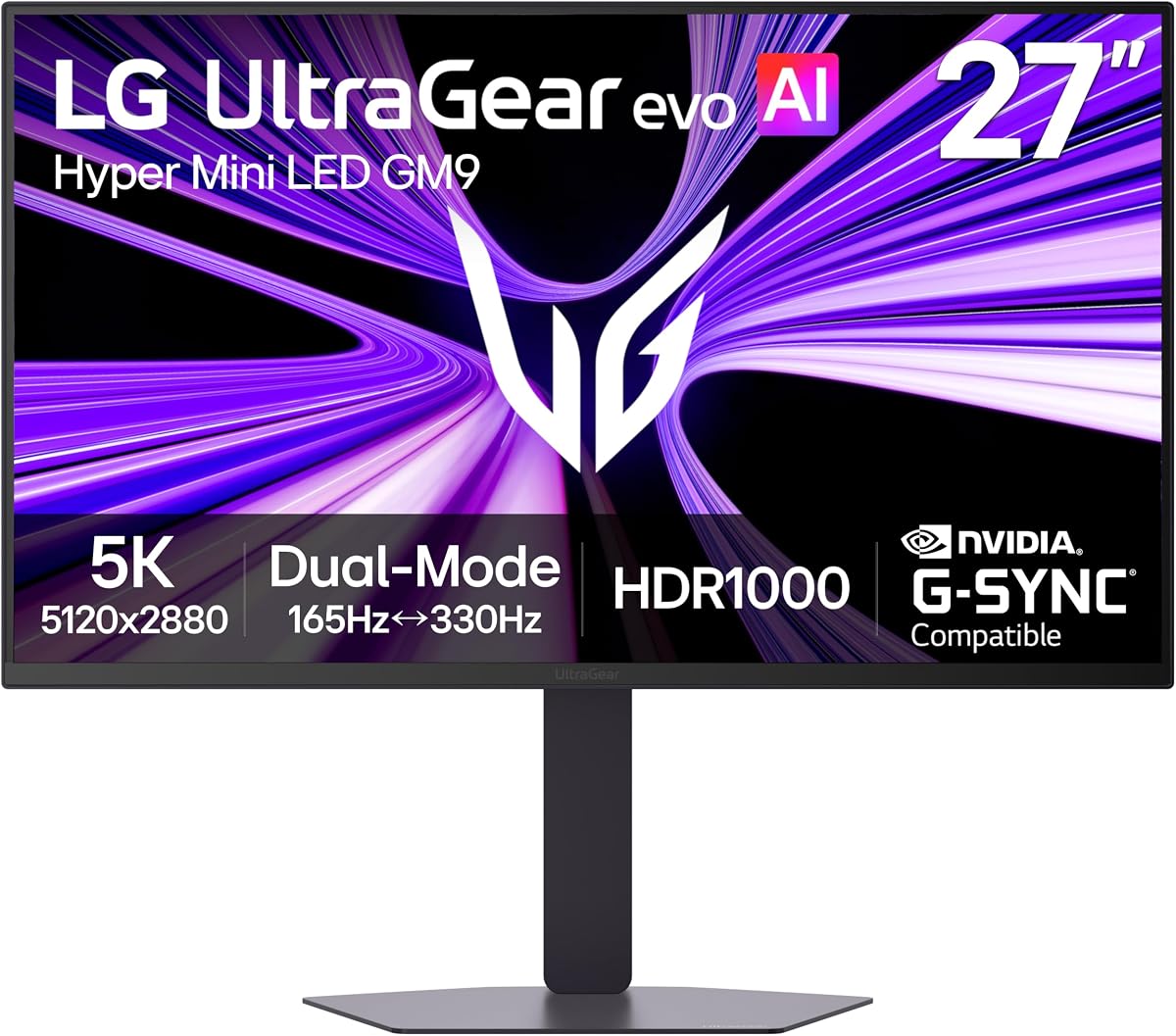
LG 27GM950B-B
3.1Editor score
Mini-LED brightness
AI upscaling tech
165Hz refresh rate
Finding the right display can transform your workflow and entertainment experience. A 27 Inch 5K Monitor offers incredible pixel density and sharpness that elevates visual clarity for creative tasks and immersive gaming sessions alike.
We evaluated ten leading models based on panel technology, color gamut coverage, refresh rates, and connectivity options. Our analysis focuses on real-world performance metrics to help you identify the best fit for your specific needs and budget.
Each pick highlights unique strengths whether you need professional color fidelity or high-speed gaming features. Please note that pricing and availability fluctuate frequently so verify current details before making your final purchasing decision today.
3.1Editor score

3.6Editor score
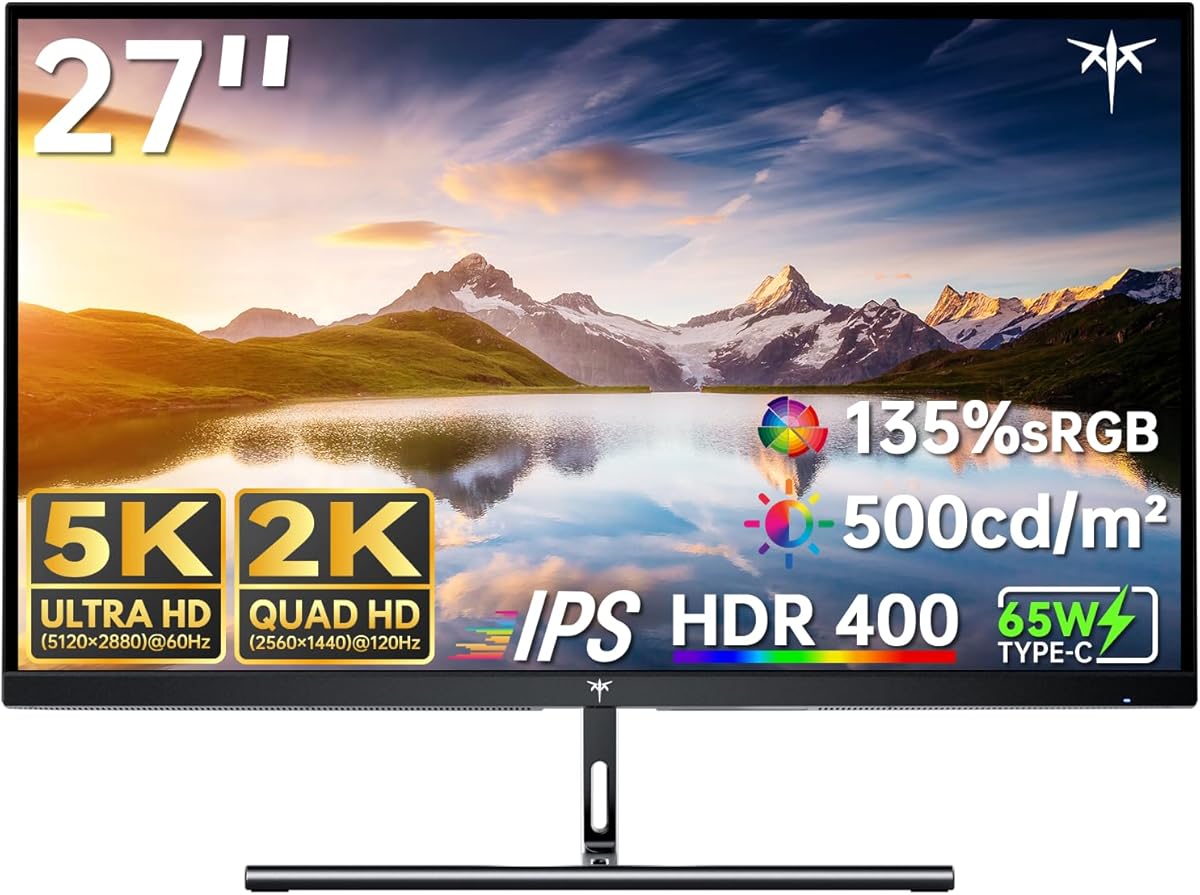
4.4Editor score
As an Amazon Associate we earn from qualifying purchases.
Below is a detailed side-by-side comparison of all ten models examined in this guide to highlight their key specifications and unique selling points for informed decision making.




The ASUS ProArt PA27JCV stands out as a top choice for creative professionals needing accurate color reproduction. With a rating reflecting mixed feedback it delivers professional grade specs at a competitive tier for Mac users.
We may earn a commission when you buy through this link, at no additional cost to you.
Its 5K resolution paired with 99% DCI-P3 coverage ensures vibrant and precise visuals for design work. The included 3-month Adobe Creative Cloud subscription adds significant value for digital artists starting new projects.
While it lacks high refresh rates for gaming the intelligent brightness adjustment and ambient light sensors optimize viewing comfort. These features make long editing sessions easier on the eyes without compromising color fidelity.
If you prioritize color accuracy and seamless Mac integration this monitor is highly recommended. The KVM switch and robust USB-C connectivity further enhance workflow efficiency for multi-device setups.
Factory pre-calibrated Delta E<2 accuracy ensures your designs look consistent across different devices and platforms.
A single USB-C cable delivers display signal data and up to 96 watts of power for compatible laptops.
We may earn a commission when you buy through this link, at no additional cost to you.
Samsung's Odyssey G8 combines stunning 5K visuals with the speed needed for competitive gaming. Its 4.4 rating highlights strong performance in both image quality and responsiveness for serious players.
We may earn a commission when you buy through this link, at no additional cost to you.
The dual mode feature allows toggling between 5K at 180Hz for visuals and QHD at 360Hz for action. This flexibility ensures you get the best experience regardless of the game genre or application.
G-Sync compatibility and Fast IPS technology minimize screen tearing and blur during intense moments. The ergonomic stand and multiple input options provide the convenience expected from a premium gaming display.
For gamers who refuse to compromise on resolution or speed this monitor delivers a top-tier experience. Its advanced features justify the investment for those seeking the ultimate visual setup.
Switch effortlessly between resolutions and refresh rates to optimize performance for different types of content instantly.
HDR10+ gaming optimizes brightness and contrast to make explosions and bright scenes appear vivid and impactful.
We may earn a commission when you buy through this link, at no additional cost to you.
The ASUS ROG XG27JCEG targets competitive gamers who need speed without sacrificing detail. Although new on the market its specs promise ultra-responsive performance with a 0.3ms response time.
We may earn a commission when you buy through this link, at no additional cost to you.
AI-powered features like Dynamic Shadow Boost and Crosshair assist players in spotting enemies quickly. The dual mode supports both high-resolution gaming and high-refresh competitive play seamlessly within one device.
While lacking established user feedback the inclusion of Adobe Creative Cloud adds unique value for content creators. The ROG gaming lighting and tripod socket cater to enthusiasts who want a customizable setup.
Consider this monitor if you want advanced gaming aids and high-speed performance. It bridges the gap between professional gaming needs and creative workflow requirements effectively.
Enhanced AI tools optimize visuals in real-time to give you a competitive edge during matches.
Includes a complimentary Adobe subscription to support content creation alongside your gaming activities.
We may earn a commission when you buy through this link, at no additional cost to you.
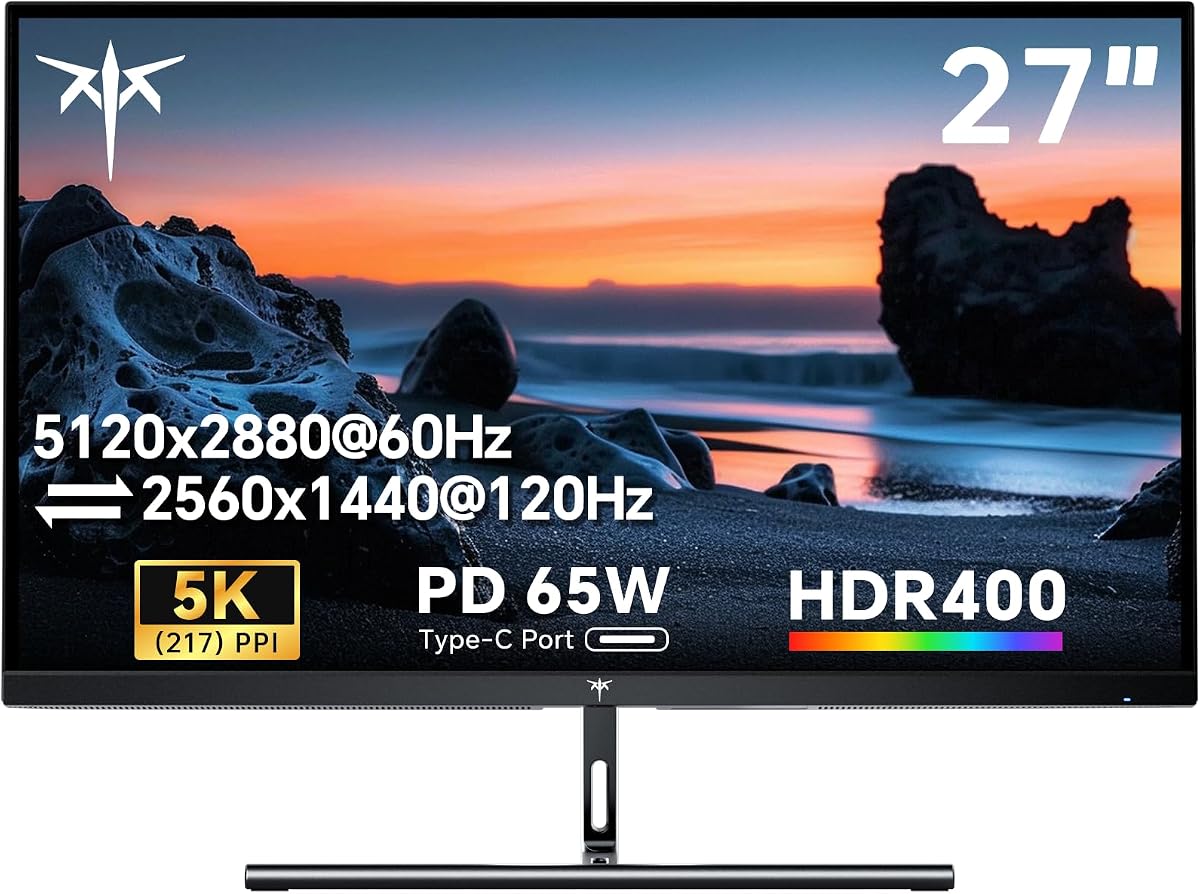
KTC offers an affordable entry into 5K displays with this 27-inch model. While reviews are sparse its specs indicate solid performance for Mac users seeking high resolution without a high price.
We may earn a commission when you buy through this link, at no additional cost to you.
The dual mode allows switching between 5K for detail and 2K for smoother refresh rates. This flexibility is rare in budget monitors and enhances usability for mixed workloads and casual gaming.
Features like Blue Light Reduction and Flicker-Free technology protect eyes during extended use. The 65W Type-C port simplifies desk setup by providing power and display connection through one cable.
This model suits buyers prioritizing resolution and basic productivity features. Its warranty and customer support promise peace of mind for those investing in a new display.
Designed to work seamlessly with Mac Mini providing reliable 5K output for Mac-centric workflows.
Reduced blue light and flicker-free operation help prevent fatigue during long document or editing sessions.
We may earn a commission when you buy through this link, at no additional cost to you.
This KTC monitor stands out for offering solid color accuracy and resolution at a competitive price point. Its 4.4 rating reflects strong satisfaction among users who value versatility and performance.
We may earn a commission when you buy through this link, at no additional cost to you.
It supports 5K at 60Hz for sharp visuals and 2K at 120Hz for smooth gaming transitions. Professional color performance with Delta E<2 ensures reliable results for design and video editing work.
Eye Care technology reduces strain while the extensive connectivity supports data transfer and charging. The HDR400 brightness ensures clear images in various lighting conditions for comfortable viewing.
Ideal for those on a budget needing both work and play features. This model delivers excellent value with high user feedback supporting its reliability and performance.
100% sRGB and 99% DCI-P3 coverage deliver accurate colors suitable for professional creative tasks.
High user ratings indicate consistent satisfaction with build quality and ease of use in daily scenarios.
We may earn a commission when you buy through this link, at no additional cost to you.
LG brings high-end Mini-LED technology to 5K gaming with this model. It aims for bold HDR performance with 1250 nits brightness though early reviews note some firmware tuning required.
We may earn a commission when you buy through this link, at no additional cost to you.
AI upscaling enhances lower resolution content to 5K making it versatile for various game inputs. The Dual Mode feature offers 5K at 165Hz or QHD at 330Hz for flexible gaming experiences.
Future-ready connectivity includes DisplayPort 2.1 and HDMI 2.1 for next-gen consoles. NVIDIA G-Sync and AMD FreeSync Premium Pro ensure smooth gameplay without tearing during intense action.
Best for users wanting the brightest visuals and latest features. Its high brightness and HDR standards make it a strong choice for dynamic gaming environments.
Thousands of LEDs provide superior contrast and brightness for immersive visual depth in games.
Built-in processor analyzes signals to improve detail and sharpness without needing a GPU upgrade.
We may earn a commission when you buy through this link, at no additional cost to you.
Dell provides a reliable 4K option that balances performance and comfort well. With a strong 4.4 rating it is a favorite for users seeking quality without the premium cost of 5K.
We may earn a commission when you buy through this link, at no additional cost to you.
ComfortView Plus reduces blue light emissions to protect eyes without sacrificing color accuracy. The smooth 120Hz refresh rate and low response time create a tear-free experience for work and play.
Re-engineered audio delivers spacious sound making it great for multimedia consumption. USB-C connectivity with 65W power keeps desks organized with a single cable setup for laptops.
Choose this if 5K is not strictly required. It offers excellent value with proven user satisfaction and strong ergonomic features for daily use.
Advanced blue light reduction ensures all-day comfort without compromising color quality during long sessions.
Built-in speakers offer deeper frequency response and better output than previous models for immersive sound.
We may earn a commission when you buy through this link, at no additional cost to you.
LG Ultrafine delivers a versatile 4K display with streaming capabilities built-in for convenience. A 4.5 rating highlights user approval for its flexibility and strong visual performance.
We may earn a commission when you buy through this link, at no additional cost to you.
With up to 95% DCI-P3 coverage it ensures vibrant colors for media and creative tasks. The Switch app allows screen splitting and smart navigation to enhance multitasking efficiency.
WebOS platform supports streaming apps directly reducing the need for external devices. USB-C with 90W power delivery and multiple ports simplify connections for laptops and peripherals.
Best for users wanting a smart monitor for work and entertainment. Its high satisfaction and connectivity options make it a practical choice for modern offices.
Built-in webOS allows you to stream shows directly on the monitor without connecting a computer.
Switch app lets you split the screen and launch calls with shortcuts for better productivity.
We may earn a commission when you buy through this link, at no additional cost to you.
BenQ targets professionals with this 5K monitor designed for Mac integration. Its 3.7 rating reflects the niche appeal but specs confirm superior color and connectivity for workflows.
We may earn a commission when you buy through this link, at no additional cost to you.
Thunderbolt 4 provides 90W power and 40Gbps transfers for high-speed data. The Nano Matte panel reduces glare and reflections for better eye comfort in varied lighting environments.
Daisy chain support lets you connect two 5K monitors easily via one cable. A KVM switch simplifies controlling multiple systems with a single keyboard and mouse.
Ideal for 3D artists needing precise color and Mac compatibility. Its features justify the cost for users managing complex multi-monitor work setups.
High bandwidth supports fast file transfers and dual 5K outputs for maximum desktop efficiency.
Nano Matte panel diffuses ambient light to reduce glare and improve viewing comfort.
We may earn a commission when you buy through this link, at no additional cost to you.
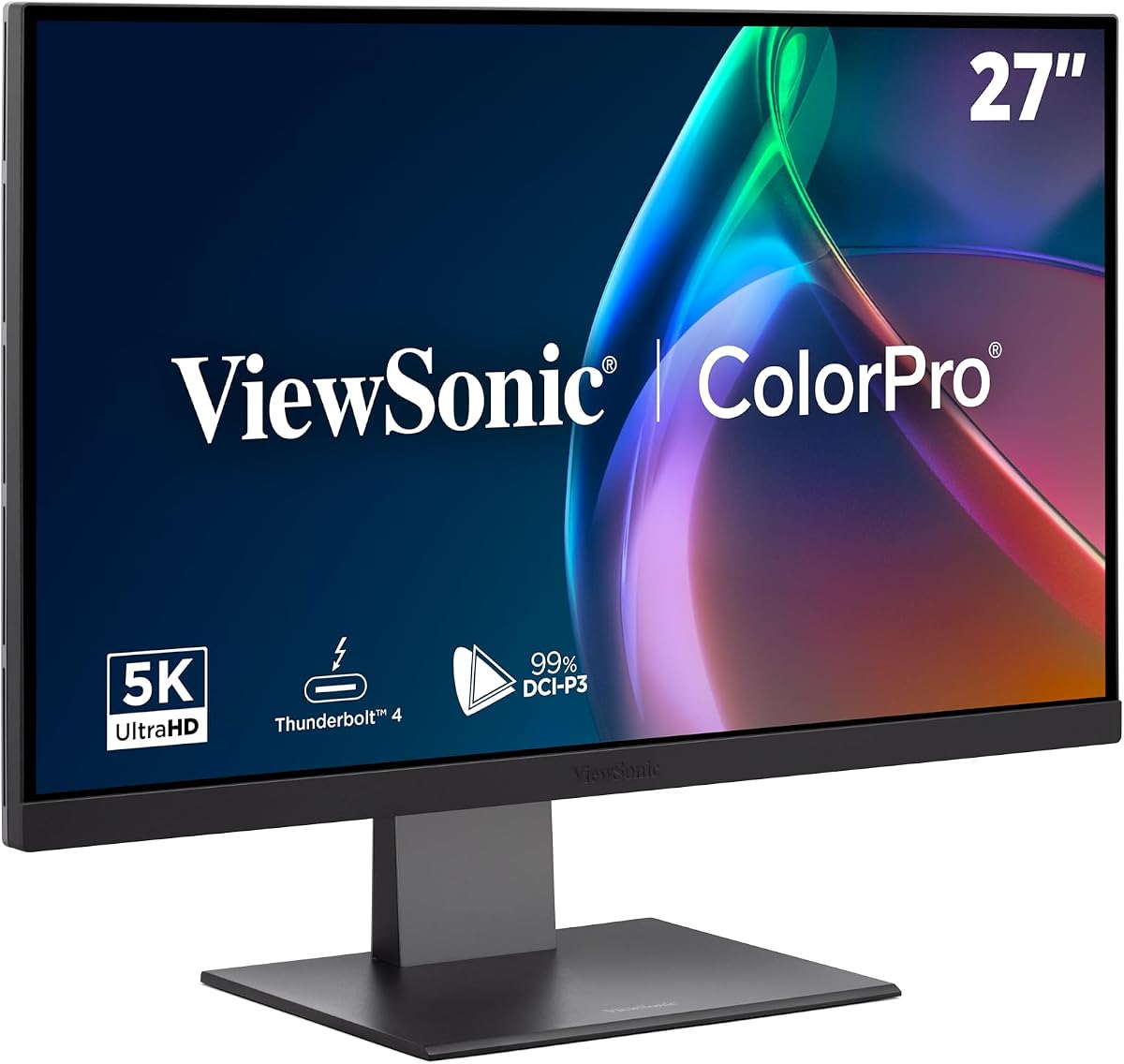
ViewSonic delivers a professional 5K display tailored for designers seeking Mac-level precision. Its 3.7 rating aligns with its specialized nature for high-end creative workflows.
We may earn a commission when you buy through this link, at no additional cost to you.
Pantone Validated precision ensures that colors match industry standards for print and web outputs. Thunderbolt 4 connectivity supports up to 100W power delivery and daisy chain setups for multi-monitor use.
Mac-Level color accuracy with 100% sRGB and 99% DCI-P3 coverage provides reliable results. Fully adjustable stand reduces neck strain and offers flexible viewing positions for long sessions.
Choose this for ultimate color fidelity and seamless Mac integration. Its professional features make it a strong choice for high-end design teams.
Pantone Validated display ensures precise color fidelity essential for professional creative outputs.
Frameless design supports daisy chaining up to two 5K monitors for extended workspace.
We may earn a commission when you buy through this link, at no additional cost to you.
Selecting the right monitor requires balancing resolution, color accuracy, connectivity, and budget to match your specific professional or gaming needs.
5K resolution at 27 inches provides roughly 218 pixels per inch delivering incredible sharpness for text and images. This density is ideal for creative work where fine details and smooth gradients are essential.
Prioritize 5K if you work with large design files or want a desktop experience similar to Retina displays.
Look for monitors with 99% or higher coverage of sRGB and DCI-P3 color spaces. Accurate color ensures your prints and digital media look consistent across different devices and platforms.
Higher coverage is critical for video editing graphic design and photography professionals.
Gaming monitors offer higher refresh rates from 120Hz up to 360Hz for smooth motion and lower response times to prevent ghosting. Creative displays usually focus on 60Hz for power efficiency.
Choose high refresh rates if gaming is a primary use case for your new monitor.
USB-C and Thunderbolt 4 ports allow for data charging and display transmission via a single cable. This simplifies setup especially for laptop users wanting a clean desk.
Ensure the monitor supports your laptop power requirements such as 65W or 90W delivery.
IPS panels offer wide viewing angles and consistent color while Mini-LED provides superior brightness and contrast for HDR content. Consider your room lighting when choosing brightness levels.
Look for 400 nits for indoor use and higher levels for bright environments.
Features like KVM switches allow controlling multiple computers with one keyboard and mouse. Eye care tech such as low blue light and flicker-free modes reduce fatigue during long sessions.
These add-ons improve workflow efficiency and comfort significantly over time.
Mac users should check for support of macOS color profiles and resolution scaling. Some monitors come bundled with Creative Cloud subscriptions that integrate well with Apple devices.
Verify USB-C power output matches your MacBook charging needs to avoid extra adapters.
Prices range widely from affordable budget options to premium professional displays. Compare warranty terms and included accessories to determine long-term value beyond the sticker price.
Invest more if color accuracy and build quality are critical to your work output.
Always calibrate your display periodically using built-in sensors or external tools to maintain color accuracy for professional work. This ensures your visual outputs match industry standards consistently.
Clean the screen gently with a soft microfiber cloth and avoid harsh chemicals or paper towels that can scratch the surface. Keeping the panel clean preserves clarity and prolongs its lifespan.
Adjust brightness and color temperature to match ambient lighting to reduce eye strain during long sessions. Enable automatic sensors if available to maintain optimal settings throughout the day.
Yes 5K offers roughly 218 pixels per inch delivering exceptional sharpness for text and images. This density makes a noticeable difference for designers and professionals compared to standard 4K.
Driving a 5K display requires a GPU with enough VRAM and bandwidth to render graphics smoothly. Ensure your system meets the recommended specs for optimal performance and responsiveness.
5K provides more pixels totaling over 14 million compared to 8 million in 4K. This results in sharper images and more screen real estate for multitasking.
Thunderbolt 4 offers faster data transfer and power delivery making it ideal for Mac workflows. It ensures full 5K support at higher refresh rates without compatibility issues.
Yes many modern 5K monitors support high refresh rates and adaptive sync technologies. However you may need a powerful GPU to maintain high frame rates at 5K.
KVM switches let you control two or more computers with one keyboard and mouse. This saves desk space and simplifies switching between work and personal devices efficiently.
The ASUS ProArt PA27JCV Samsung Odyssey G8 and KTC budget models represent top choices across different user needs. Each brings unique strengths for professionals gamers and budget-conscious buyers respectively.
Consider your priority whether it is color accuracy speed or value when narrowing down your selection. Matching the monitor to your primary tasks ensures you maximize its features daily.
Prices and availability change frequently so always verify current offers before purchasing. Review the latest user feedback and specs to make a confident informed decision today.