
ASUS ROG Strix G16 (2025)
4.4Editor score
Intel Core i7 14650HX
NVIDIA GeForce RTX 5060
165Hz FHD+ Display
This guide compares the top ASUS ROG Strix laptops for gaming and work, evaluating performance, displays, cooling, and value to help you choose the right model.
Choosing the right gaming laptop means balancing power with portability and display quality. The ASUS ROG Strix series offers a wide range of options for gamers and creators who need reliable performance in a stylish chassis. Whether you want raw speed or a stunning screen, there is a model here for you.
We evaluated ten distinct models based on their processors, graphics cards, screen quality, and cooling systems. Each entry includes detailed specs and real-world use cases to help you understand where it shines. We focused on value, performance consistency, and features that matter most to daily users.
Every review highlights the unique strengths and trade-offs of each device. You will see clear pros and cons along with detailed breakdowns of what makes each laptop stand out. Prices and availability change often, so please check current listings before making your final decision.
4.4Editor score

4.3Editor score

5.0Editor score
The table below lists every model we reviewed with key specifications side by side. This makes it easy to compare processors, GPUs, screens, and memory across the entire lineup at a glance.




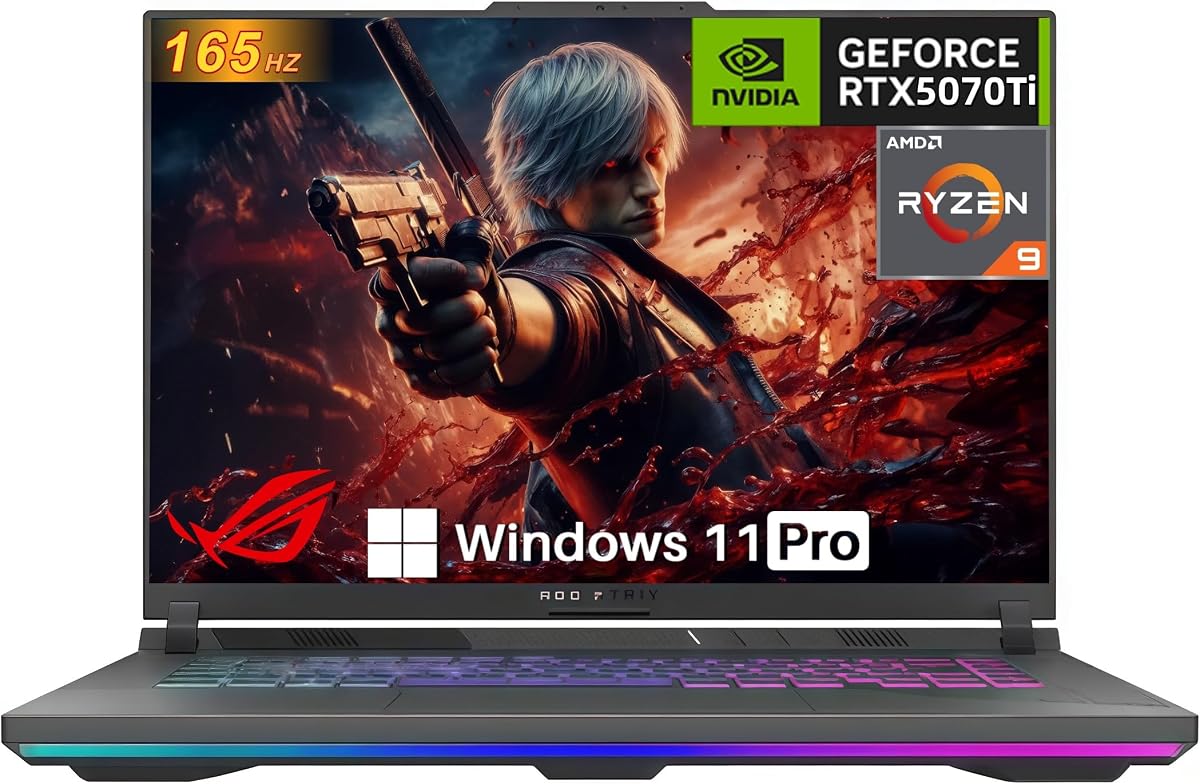
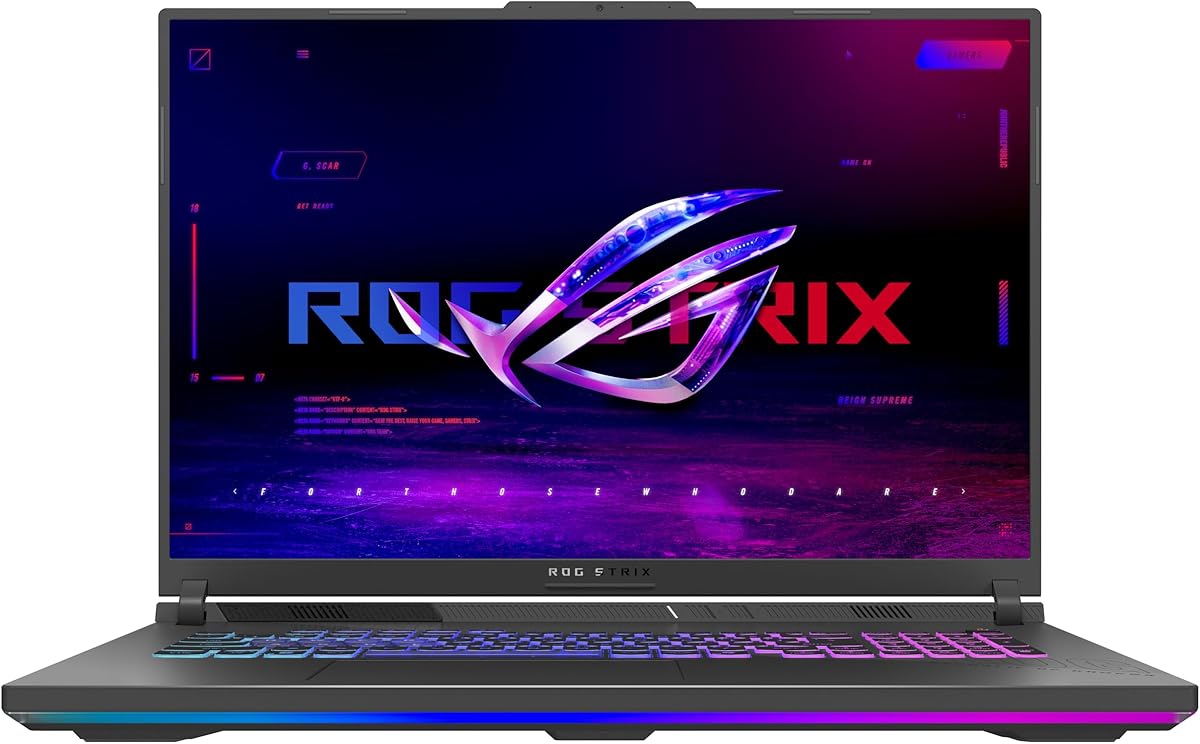
This model balances price and power effectively. It scores highly for users who want a reliable machine for gaming and daily tasks without overspending. The Intel Core i7 processor and RTX 5060 provide a smooth experience for most AAA titles.
We may earn a commission when you buy through this link, at no additional cost to you.
The 16GB DDR5 memory ensures smooth multitasking. You can run multiple apps and games without slowdowns. The ROG Intelligent Cooling system keeps the laptop quiet even during intense gaming sessions. This design choice helps the system maintain high performance over long periods.
Trade-offs include the FHD+ display resolution and lack of Thunderbolt. These are acceptable for most users since the screen still looks sharp and the USB-C ports are versatile. The focus here is on value and consistent performance rather than cutting-edge features.
Buy this if you want a dependable gaming laptop for everyday use. It suits students and casual gamers who need performance without a huge price tag. The overall package offers strong value and should serve most users well for years.
The Intel Core i7 14650HX handles demanding software and games with ease. Its high core count ensures smooth multitasking during work or study sessions.
Tri-fan technology and liquid metal cooling keep the device quiet. This ensures fans do not distract you during video calls or late-night gaming.
We may earn a commission when you buy through this link, at no additional cost to you.
This model offers a premium viewing experience with its Nebula display. The 2.5K resolution and 240Hz refresh rate make games and movies look incredible. It is ideal for users who prioritize screen quality above all else.
We may earn a commission when you buy through this link, at no additional cost to you.
The RTX 5070 Ti GPU delivers powerful rendering capabilities. You can enjoy high frame rates in modern titles with ray tracing enabled. The 32GB of RAM ensures you have plenty of headroom for creative workloads or streaming.
The higher price may be a concern for some buyers. Battery life may suffer due to the powerful components and bright display. However the screen quality and speed justify the cost for enthusiasts who want the best visual experience.
Buy this if you want a top-tier display and strong performance. It suits content creators and competitive gamers who need clarity and speed. The premium features make it a standout choice for those willing to invest in quality.
The 2.5K Nebula panel offers vibrant colors and fast response. ACR film technology reduces glare for better visibility in bright rooms.
The RTX 5070 Ti supports advanced ray tracing and DLSS. This ensures you get crisp visuals even in demanding AAA titles.
We may earn a commission when you buy through this link, at no additional cost to you.
The Scar 18 offers an immersive desktop-like experience on the go. Its 18 inch Nebula HDR screen is perfect for detailed gaming and editing. The AniMe Vision lid allows for unique customization that stands out.
We may earn a commission when you buy through this link, at no additional cost to you.
Performance is top tier with the Ultra 9 processor and RTX 5070 Ti. The MUX switch boosts gaming performance by routing frames directly to the display. Windows 11 Pro adds enterprise features for advanced users.
Portability is reduced due to the larger chassis. The weight makes it better suited for home or office use than frequent travel. The cost is high but justified by the sheer size and feature set.
Buy this if you want a desktop replacement with a big screen. It suits users who rarely move their laptop and want maximum immersion. The AniMe Vision and HDR display make it a unique and powerful choice.
The 18 inch screen offers plenty of space for multitasking. HDR content looks vivid with Mini LED technology for deep contrast.
Express your style with animations on the lid. This feature lets you show messages or art when the laptop is closed.
We may earn a commission when you buy through this link, at no additional cost to you.
This model pairs a powerful Ultra 9 CPU with a mid tier GPU. The Nebula display adds high-end visual quality to the package. It is a good choice for those who need CPU power for work and decent gaming performance.
We may earn a commission when you buy through this link, at no additional cost to you.
The 240Hz screen refresh rate and Dolby Vision make content look crisp. The RTX 5060 handles most games well though it may struggle at maximum settings. The cooling system ensures the powerful CPU stays under control during loads.
The GPU bottleneck may limit heavy gaming performance. Some users might prefer balancing the CPU and GPU better. However for mixed workloads this mix offers a solid compromise with excellent display options.
Buy this if you prioritize CPU speed over GPU power. It suits editors who need rendering speed and still want to play games. The Nebula screen ensures that everything you view looks vibrant and sharp.
The Ultra 9 processor delivers strong multi-core performance. This supports demanding software like 3D rendering or video editing tools.
Colors adjust dynamically to match content needs. This makes scenes look richer and more lifelike during gaming or movies.
We may earn a commission when you buy through this link, at no additional cost to you.
This variant brings a powerful AMD CPU to the lineup. The Ryzen 9 processor offers excellent efficiency and speed for gaming tasks. It pairs well with the RTX 5070 for strong overall performance.
We may earn a commission when you buy through this link, at no additional cost to you.
The cooling system uses a full-width heatsink and tri-fan tech. This keeps the system running cool and quiet during long sessions. The MUX switch helps boost performance by bypassing the integrated GPU when needed.
Display resolution and Wi-Fi standards are slightly lower than other models. These choices help keep the cost down while maintaining strong performance. Users who care more about speed than screen specs will appreciate this balance.
Buy this if you want AMD efficiency and GPU power. It suits gamers who prefer AMD and want a smooth experience. The strong hardware ensures you can play modern titles with high frame rates and low latency.
The Ryzen 9 processor offers great performance per watt. This can help with battery life during non-gaming tasks.
Routing frames directly to the GPU improves gaming speed. This gives you extra frames for smoother action in games.
We may earn a commission when you buy through this link, at no additional cost to you.
This model focuses on delivering maximum GPU performance. The RTX 5070 Ti at 140W offers excellent frame rates for AAA games. The 32GB RAM ensures you can multitask while gaming without any lag.
We may earn a commission when you buy through this link, at no additional cost to you.
The Ryzen 9 processor supports heavy rendering and streaming tasks. Advanced Optimus helps balance battery life and performance dynamically. The Ethernet port ensures a stable connection for online competitive gaming.
The display resolution is lower than other premium models but still offers a fast refresh rate. This helps prioritize performance over resolution for many gamers. The price remains competitive given the high-end components inside.
Buy this if you want top GPU performance at a fair price. It suits streamers and gamers who need speed and stability. The combination of high TGP GPU and strong CPU makes it a reliable workstation.
The 140W TGP allows the GPU to run at full power. This delivers consistent high frame rates in demanding games.
RJ-45 ensures low latency for online matches. This is vital for competitive players who need reliable connections.
We may earn a commission when you buy through this link, at no additional cost to you.
This model stands out for its ease of upgrades. Tool-free slots let you add more RAM or swap SSDs quickly. It is a great choice for users who like to customize their hardware later.
We may earn a commission when you buy through this link, at no additional cost to you.
The Ryzen 9 processor and RTX 5070 Ti offer strong performance. Advanced Optimus helps balance battery life with speed. The cooling system uses liquid metal to keep components running efficiently.
Starting with 16GB of RAM may require an upgrade for heavy tasks. This is a reasonable trade-off for the lower base price and upgradeability. The PCIe Gen 5 ready slots ensure longevity for future storage.
Buy this if you want a system that grows with your needs. It suits tech-savvy users who prefer DIY upgrades. The strong performance and upgrade ease make it a smart long-term investment.
Swapping parts requires no screws or tools. This allows quick customization of memory and storage as needed.
Conductonaut liquid metal transfers heat efficiently. This keeps the CPU and GPU cool during long gaming sessions.
We may earn a commission when you buy through this link, at no additional cost to you.
This model offers top tier performance with the RTX 5080 GPU. It is designed for users who want the best possible gaming experience. The 300Hz screen ensures smooth visuals for competitive games.
We may earn a commission when you buy through this link, at no additional cost to you.
The Ultra 9 processor handles demanding tasks with ease. Dolby Vision HDR and AGLR film make the screen look vibrant. Tool-free access allows for easy maintenance and future upgrades without hassle.
The price reflects the premium components and display quality. It is best suited for enthusiasts or professionals who need maximum power. Battery life may be lower due to the high performance parts.
Buy this if you want the fastest GPU and best screen. It suits users who want cutting-edge performance and are willing to pay for it. The combination of power and visuals makes it a top choice.
The RTX 5080 handles ray tracing and AI features well. This ensures high frame rates even in the most demanding titles.
A high refresh rate reduces motion blur in fast games. This gives you a clear view of fast action on screen.
We may earn a commission when you buy through this link, at no additional cost to you.
This model leads with massive storage capacity for your library. The 2TB SSD ensures you can keep many games and files handy. It is a great choice for users who need space for media or large games.
We may earn a commission when you buy through this link, at no additional cost to you.
The Ultra 9 processor and RTX 5070 provide solid performance. The Nebula screen looks great for visuals and creative tasks. Windows 11 Pro adds useful features for professional workflows or enterprise use.
Some users might expect a stronger GPU for the price. However the storage and display make it a compelling all-rounder. The speed and quality ensure you have a smooth experience across apps.
Buy this if you need large storage and a premium display. It suits media creators and gamers who keep many large files. The balance of speed and capacity makes it ideal for power users.
The 2TB SSD holds many games and projects. This reduces the need for external drives for most users.
Pro editions offer advanced security and management tools. This helps streamline workflows for business or school users.
We may earn a commission when you buy through this link, at no additional cost to you.
This model brings a large screen to the entry level range. The 18 inch display offers plenty of space for gaming and work. It is a good fit for users who want size without spending too much.
We may earn a commission when you buy through this link, at no additional cost to you.
The Ryzen 9 processor ensures fast system performance for apps. The RTX 5050 handles basic gaming and media well. The cooling system keeps the device stable even with the larger chassis.
The GPU may limit performance in modern AAA titles. This is acceptable for casual users or those who play older games. The large screen and CPU make it a great option for daily productivity.
Buy this if you want a big screen on a budget. It suits students or casual users who need room for multitasking. The balance of size and value makes it a practical choice for many.
The 18 inch screen gives more room for apps. This helps with multitasking and viewing large data sets.
AMD processor delivers speed for daily tasks. This ensures smooth performance even when running many programs.
We may earn a commission when you buy through this link, at no additional cost to you.
Choosing a gaming laptop involves weighing several key factors. Here we explore the most important aspects to consider before buying.
The processor determines how fast your laptop can run games and apps. Intel Core Ultra 9 and AMD Ryzen 9 models offer the best power for heavy workloads.
Look for newer generations to ensure your laptop remains fast for years. Avoid lower tier processors if you plan to run demanding software.
A strong GPU ensures smooth gameplay with high details. RTX 5070 Ti and RTX 5080 models offer the best performance for ray tracing and high resolutions.
Consider your target games and resolution. Mid tier GPUs work well for FHD while higher tier models are better for 2.5K or HDR screens.
A good screen makes a big difference in immersion. Nebula displays offer better color and contrast. Higher refresh rates like 240Hz reduce motion blur in games.
Check resolution and refresh rate before buying. Higher resolution looks sharper but may impact frame rates. Balance these based on your needs.
16GB RAM is common but 32GB provides headroom for multitasking. Storage speed affects load times so choose Gen 4 or Gen 5 SSDs.
Look for expandable slots if you plan to upgrade later. Some models allow tool-free upgrades which is a major plus for maintenance.
Effective cooling keeps performance stable during long sessions. Models with liquid metal and tri-fan tech stay quieter and cooler.
Good thermals mean fewer thermal throttles and longer hardware life. Prioritize systems with proven cooling technology for gaming.
Larger screens add weight which can limit portability. Consider how often you will move the laptop before choosing a size.
Build quality affects durability and feel. Stronger materials may add weight but ensure the device survives daily use and travel.
Gaming laptops often trade battery life for performance. Look for Advanced Optimus to switch between GPU modes and save power.
Check reviews for real world battery estimates. High performance modes reduce battery life while productivity modes extend it.
Wi-Fi 7 and Ethernet ensure stable online connections. USB-C and HDMI ports matter for external displays and peripherals.
Check that you have enough ports for your setup. Some models include Ethernet which is key for competitive gaming.
Keep the device on a hard flat surface to ensure airflow reaches the vents. Avoid soft surfaces like beds that may block air intake. This helps the cooling system work properly.
Update drivers regularly via MyASUS software to ensure stability. This ensures your graphics and system drivers remain current for best performance.
Use power saving modes when not gaming to extend battery life. Avoid leaving the laptop plugged in constantly to reduce heat on the battery.
The ASUS ROG Strix Scar 18 (2025) is top for immersion with a large HDR screen. For pure power consider the G16 (2026) with RTX 5080. Both offer strong cooling and high performance.
Yes many models feature tool-free access for RAM and SSD. Check specific specs for Q-latch or removable frame designs. This allows you to expand memory without tools.
Yes models with RTX 5070 Ti or RTX 5080 excel at editing. The 32GB RAM versions handle high resolution timelines well. Look for Nebula displays for better color accuracy.
Battery life varies by model and settings. Expect better life on lower tier models or when using productivity modes. Advanced Optimus helps balance power during non-gaming use.
Nebula displays offer higher resolution and HDR support for better color. FHD+ screens are more affordable and still provide fast refresh rates. Choose based on your visual priority and budget.
Yes models with RTX 5070 Ti or RTX 5080 support VR well. Ensure you have enough USB ports and GPU power for a smooth experience. Higher end models deliver the best VR performance.
We reviewed ten models ranging from budget-friendly to premium powerhouses. Each offers distinct strengths whether you prioritize GPU power or large screens.
Prioritize GPU and display if gaming is your main use. For productivity consider models with strong CPUs and more RAM for multitasking.
Always check current listings for price changes and stock. This ensures you get the best deal when you are ready to buy.